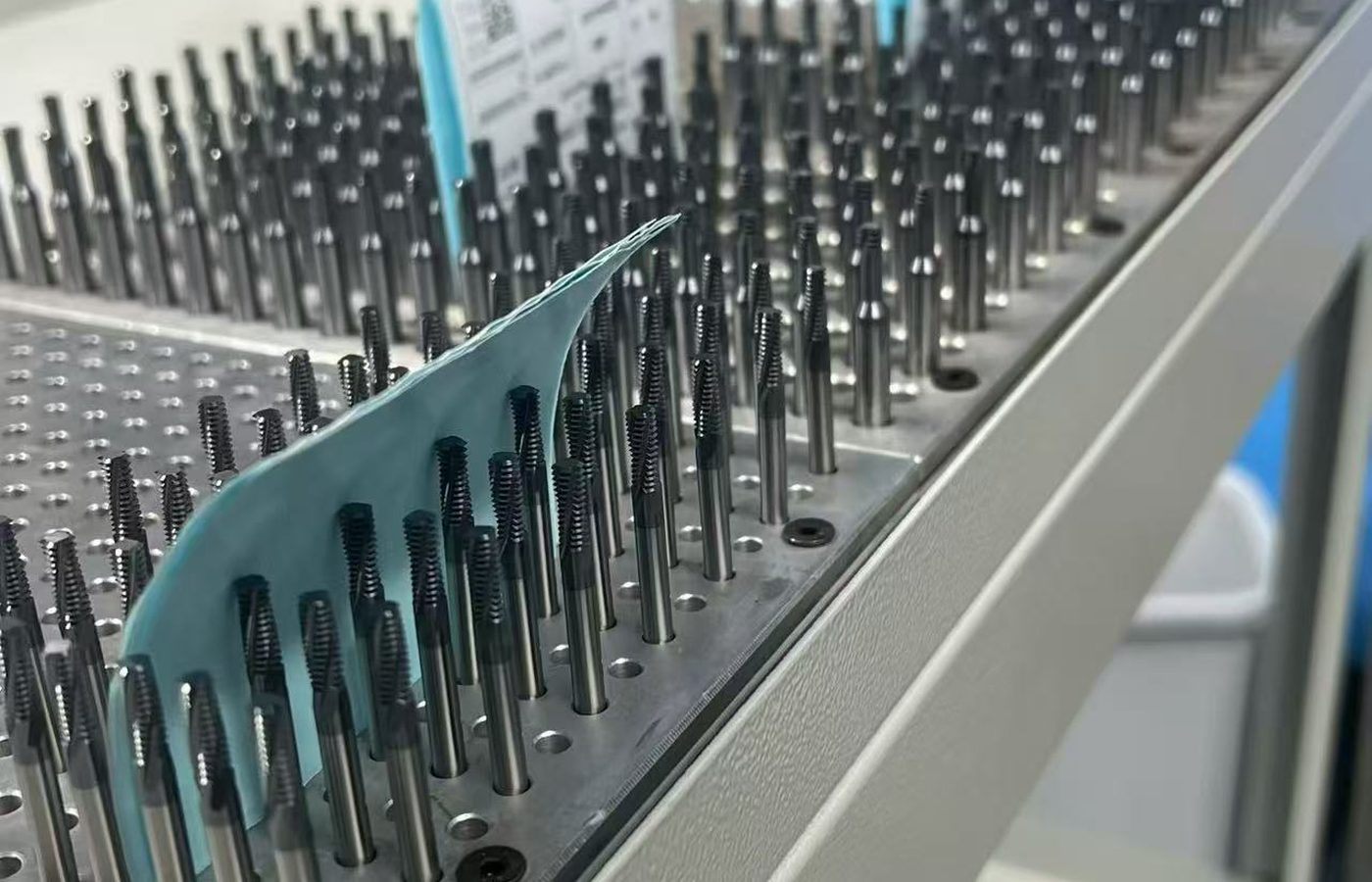
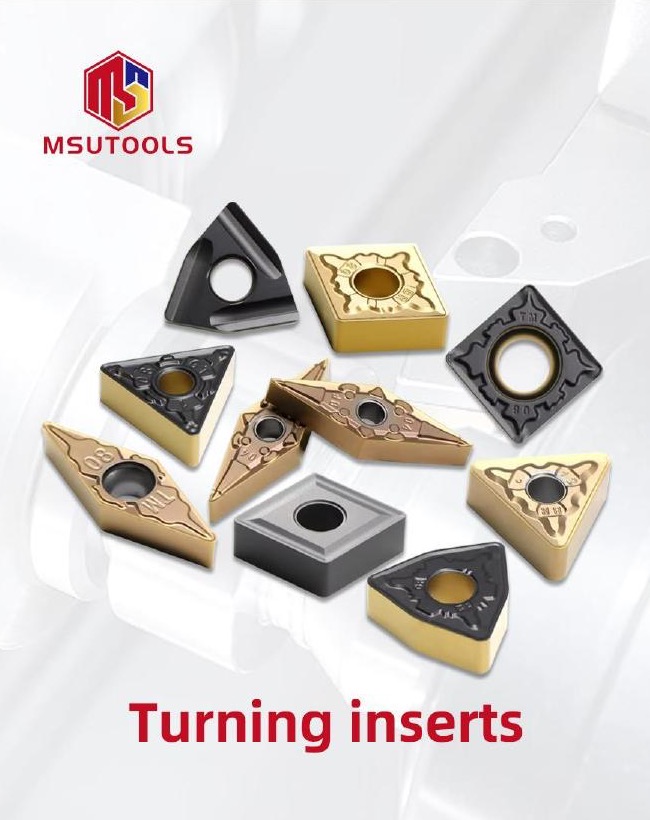
Turning Inserts
For roughing, finishing, facing and profiling. Compare positive and negative styles around cut depth, access and the existing holder.

Find carbide inserts for turning, small parts machining, grooving and parting, threading, milling and shallow-hole drilling. Choose by the feature you need to cut and the tooling already on your machine.
For a replacement, start with the full insert and tool-body references. For a new job, start with the part drawing, material and operation, then select the geometry and grade.
Send your existing insert reference or email a part drawing to discuss the job.
Find a Carbide InsertA turning profile, a narrow groove and a drilled hole need different cutting edges and tool connections. Choose the operation below to compare the relevant shapes and sizes.
These inserts use cemented carbide. If your process calls for a different cutting material, compare Cermet, Ceramic, PCD or CBN or PCBN tools. See Cutting Tool Products for other machining tools.
For roughing, finishing, facing and profiling. Compare positive and negative styles around cut depth, access and the existing holder.
CCGT, DCGT and TCGT for small-parts turning requirements. Compare nose shape, radius and tool clearance around the component.
MGMN inserts for grooves and cut-off operations. Match cutting width and corner radius, then check reach with the holder or blade.
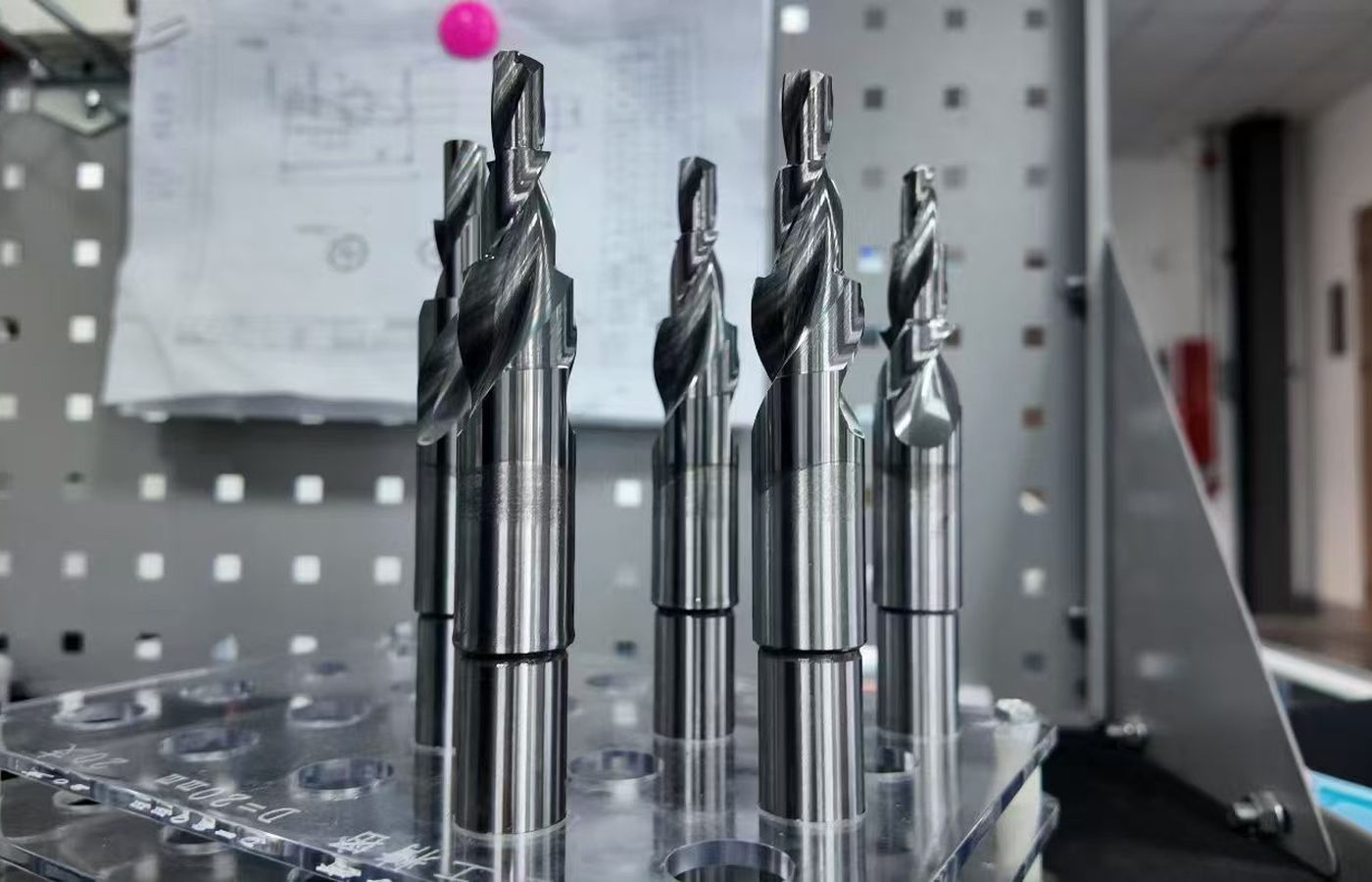
For thread turning, whirling and insert-based thread milling. Match the thread standard, pitch and profile to the tooling system.
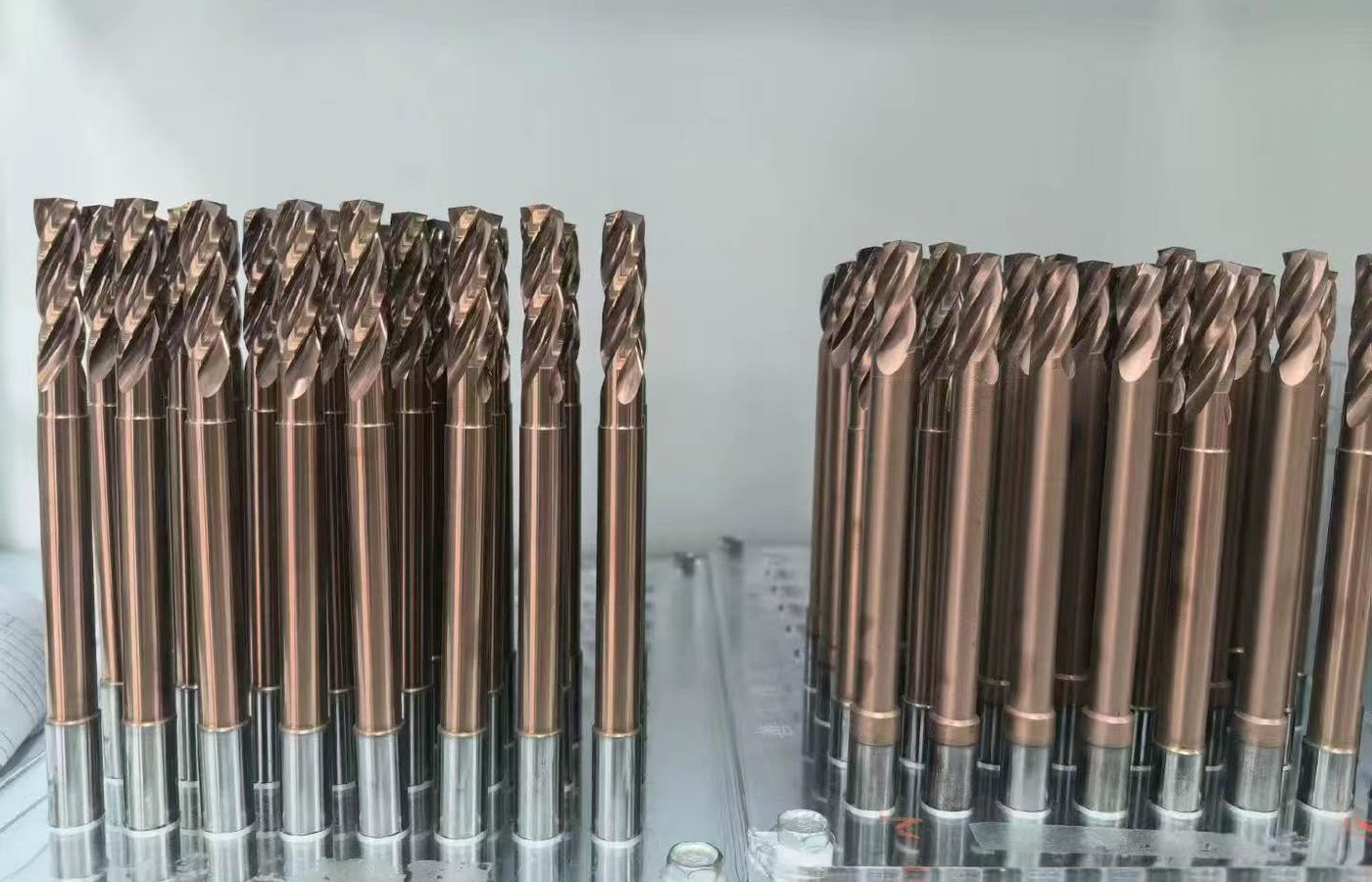
Replace inserts in an existing milling cutter. Match the complete insert designation and seating dimensions to the cutter pocket.
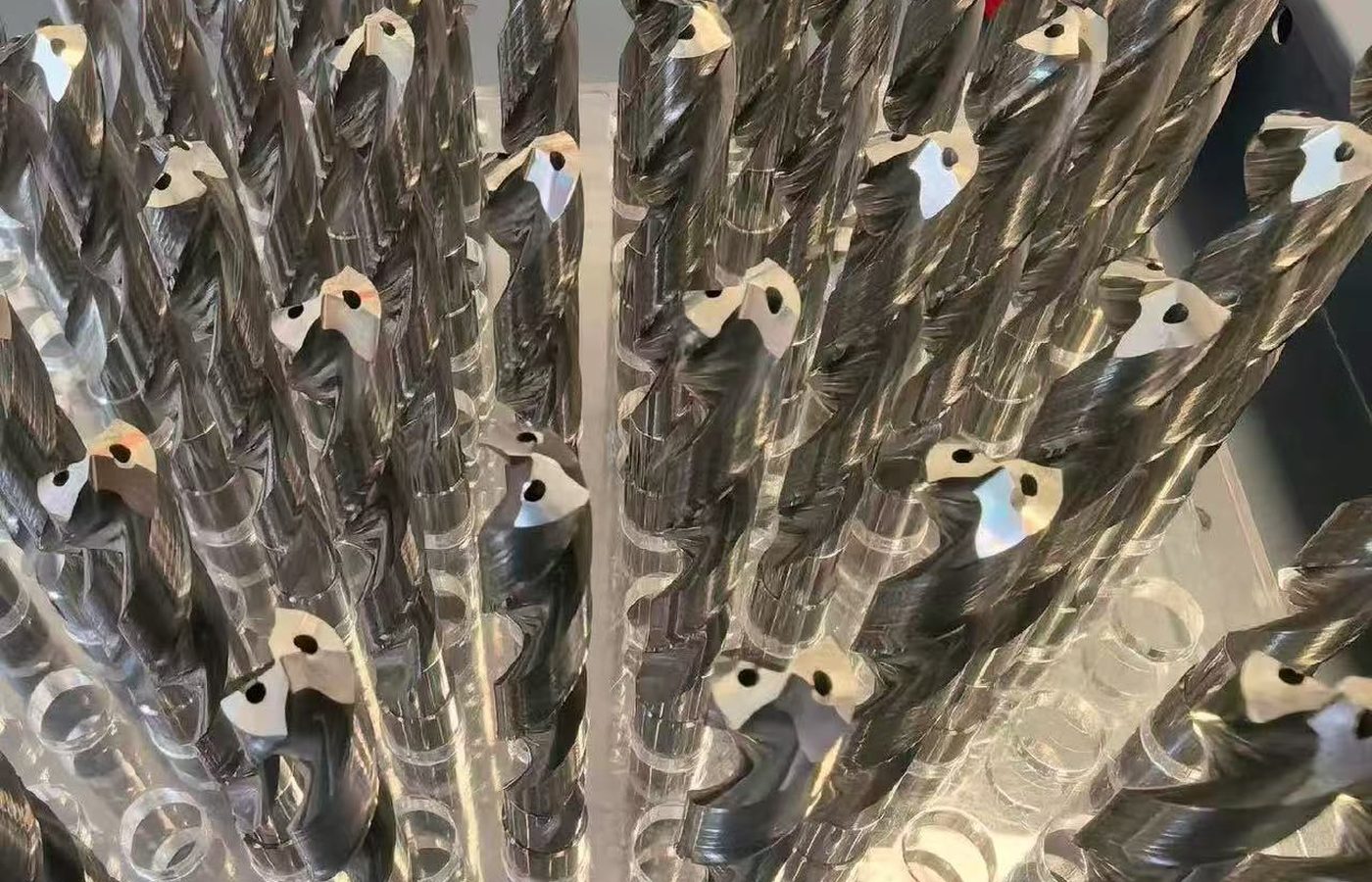
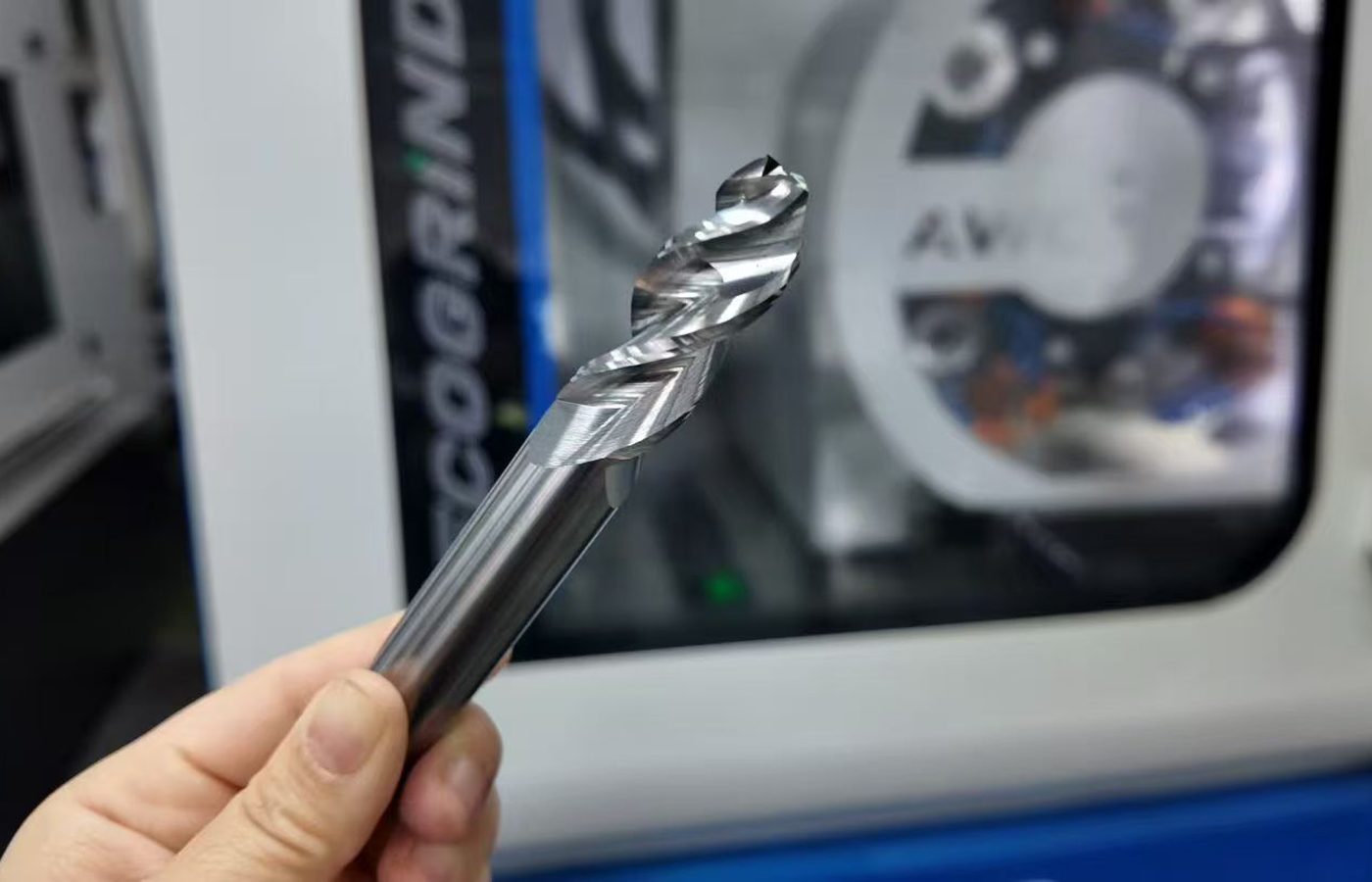
SPMG and WCMX replacements for a specified drill body. Identify the pocket position before choosing geometry and grade.
Compare what each operation needs from the cutting edge and tool connection.
Compare Insert ApplicationsUse the feature and the existing tool system to narrow the choice. A familiar insert shape is only part of the match.
Keep the geometry suffix and grade with the size code. Two inserts can fit the same pocket yet cut differently because their edges and grades differ.
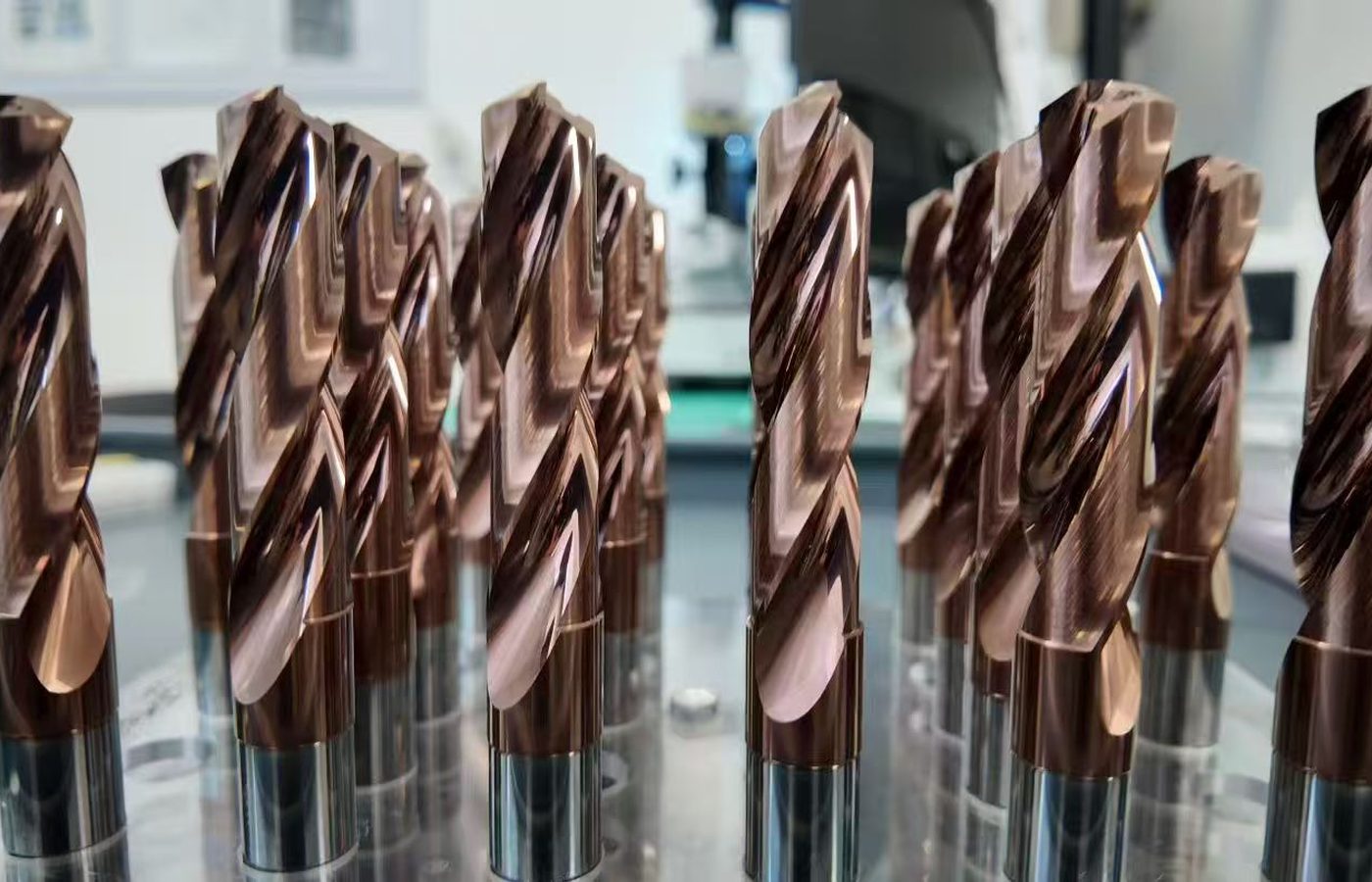
| Insert type | Machining task | First selection decision |
|---|---|---|
| Turning Inserts | Roughing, finishing or profiling | Shape and clearance for access; edge geometry for the cut |
| Small Parts Machining Inserts | Turning small diameters and close features | Nose shape and radius with tool-block clearance |
| Grooving and Parting Inserts | Cutting a groove or separating a part | Cutting width and corner radius with usable reach |
| Threading Inserts | Producing a specified thread | Standard, pitch, profile and machining method |
| Milling Inserts | Replacing a cutter’s cutting edges | Full insert reference and cutter-pocket fit |
| Shallow Hole Drilling Inserts | Replacing inserts in a drill body | Body reference and designated insert position |
After choosing the operation, check how the insert fits and how it will cut.
Check Insert Selection FactorsThe insert must fit the tool, reach the feature and suit the cutting conditions. Work through those decisions before choosing a grade from the material name alone.
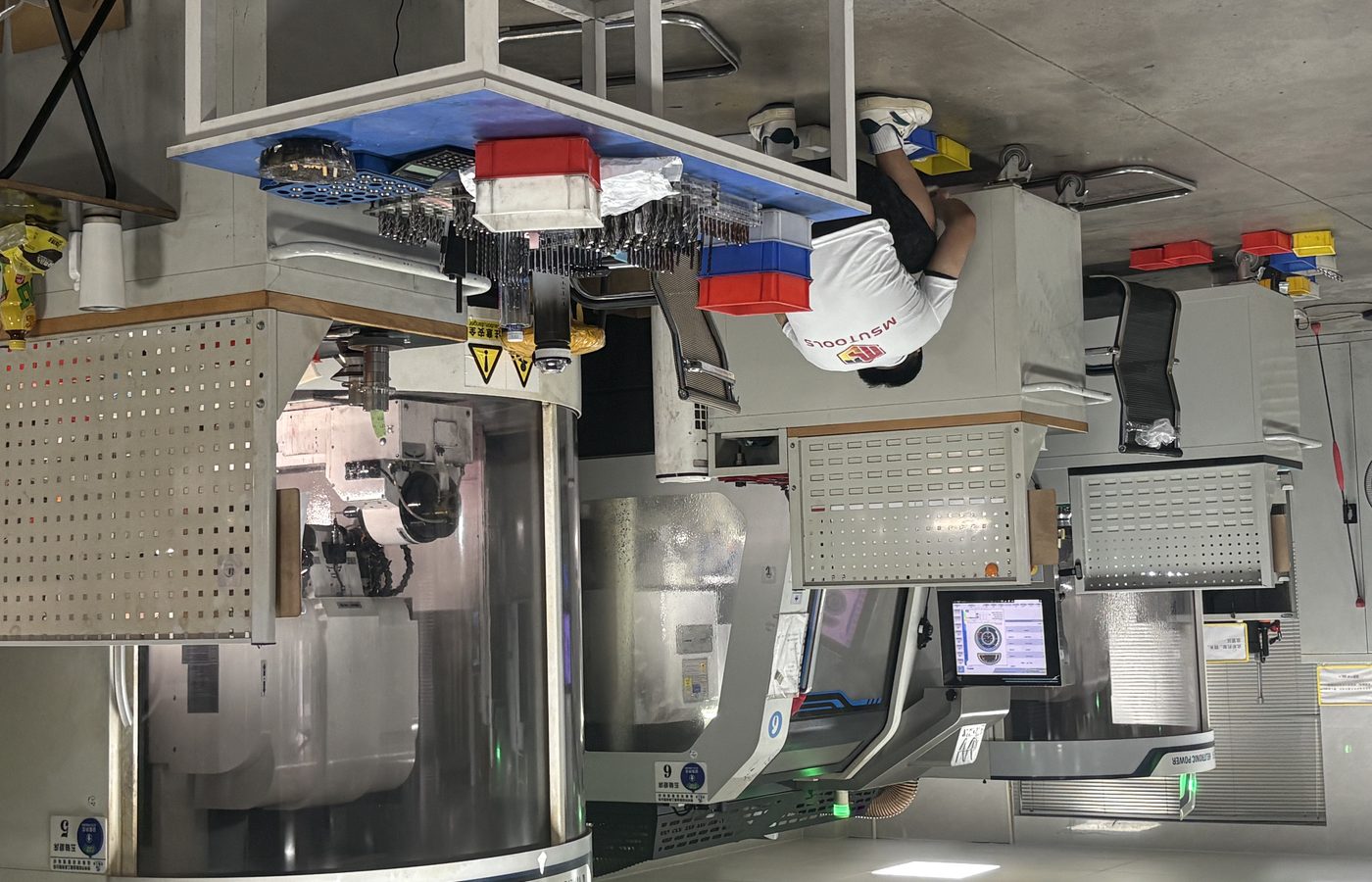
For an existing setup, identify what needs to improve: chip control, edge life, finish or dimensional consistency. That makes it easier to assess a geometry or grade change.
Use the Carbide Insert Identification Guide to decode an unfamiliar label. For a special profile, email the drawing to discuss Custom Cutting Tools.
Tell us which feature or machining result needs attention, together with the current insert reference.
Discuss an Insert ApplicationUse the insert drawing to compare dimensions. Symbols differ by insert type: a groove width, turning nose radius and thread pitch describe different parts of the cutting edge.
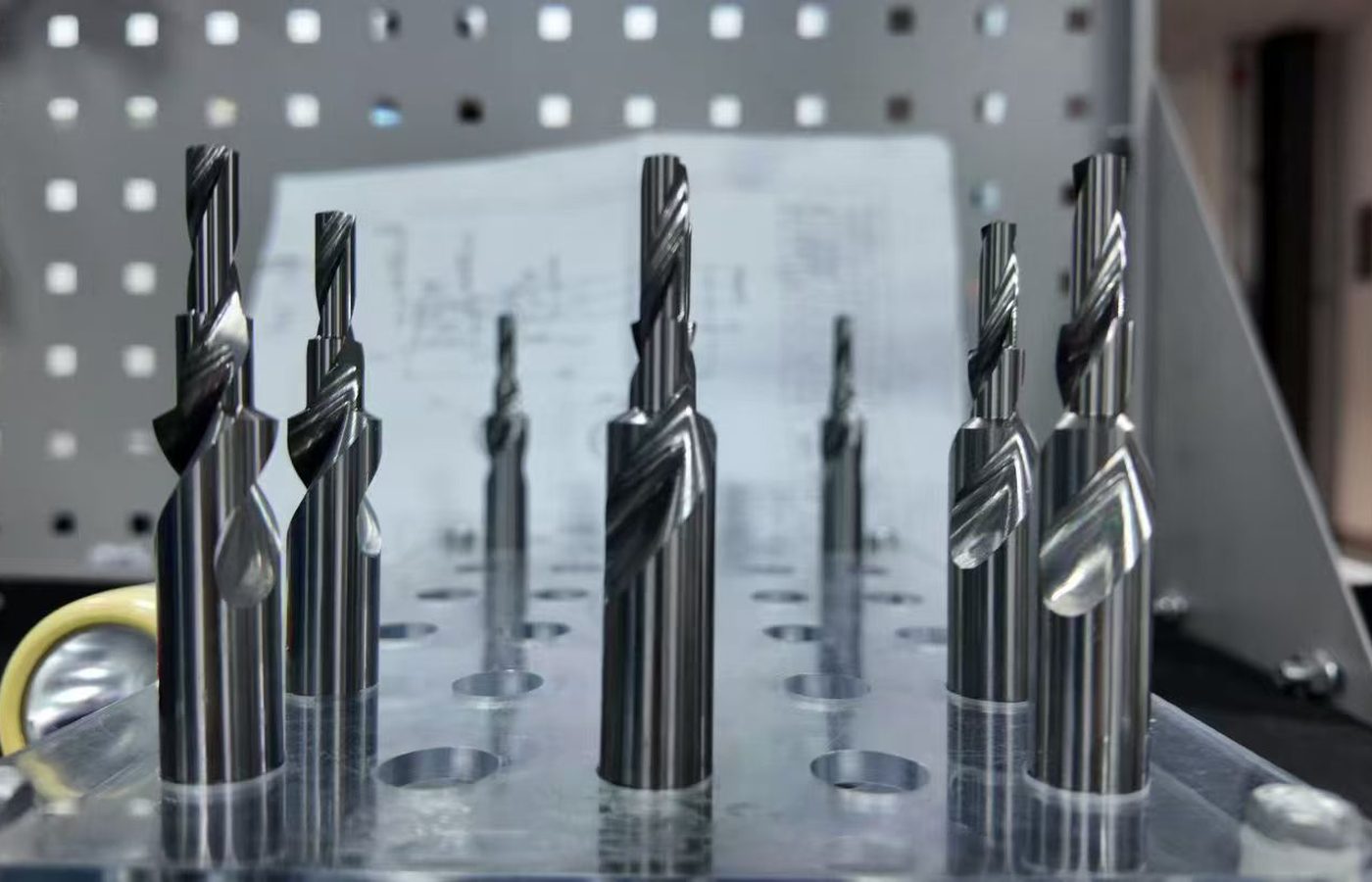
The insert and threading catalogs include dimension drawings for the listed families.
View Insert DrawingsSpecify the insert dimensions or records needed with the order. For a cutting trial, define the finished-part limits and how they will be measured.
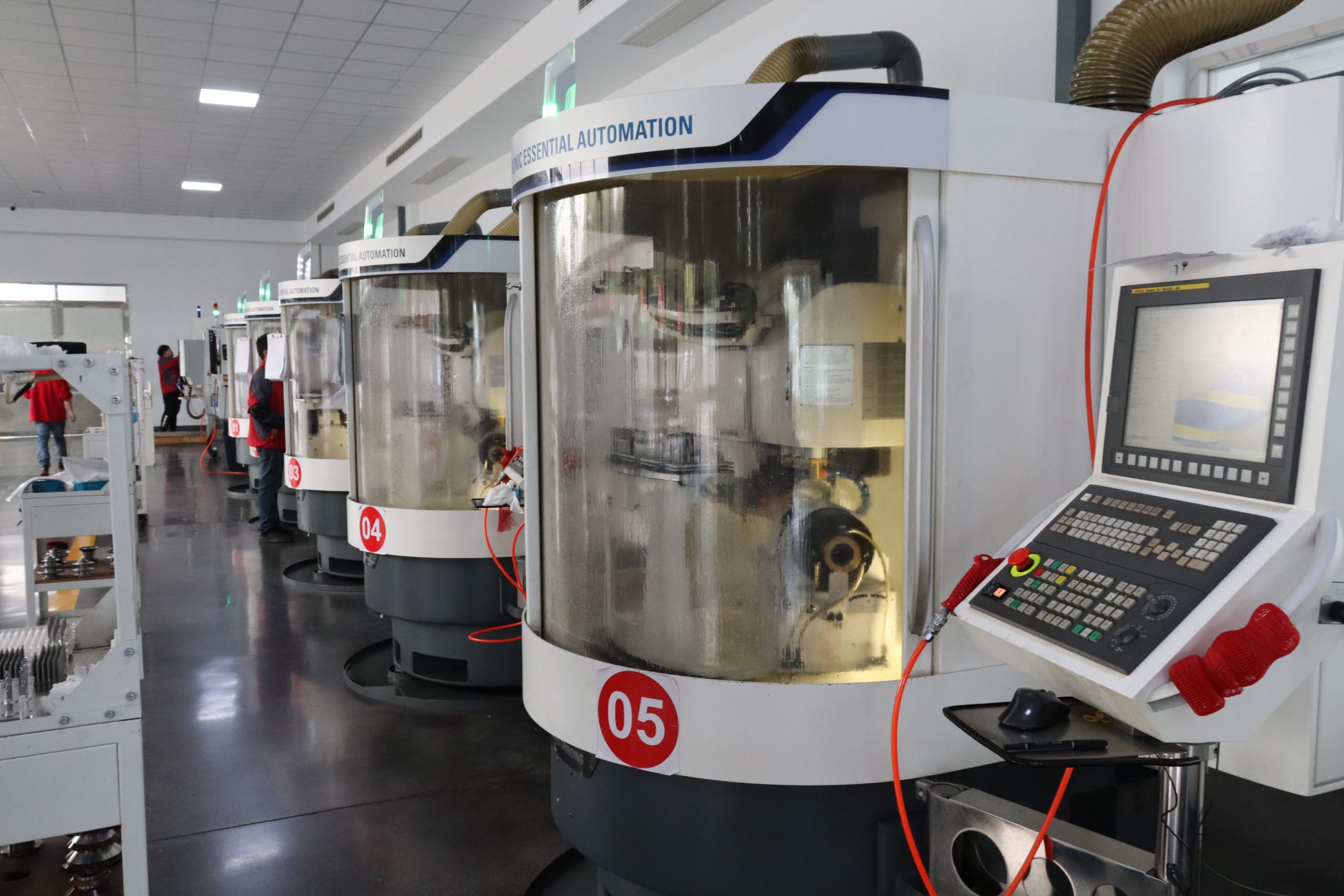
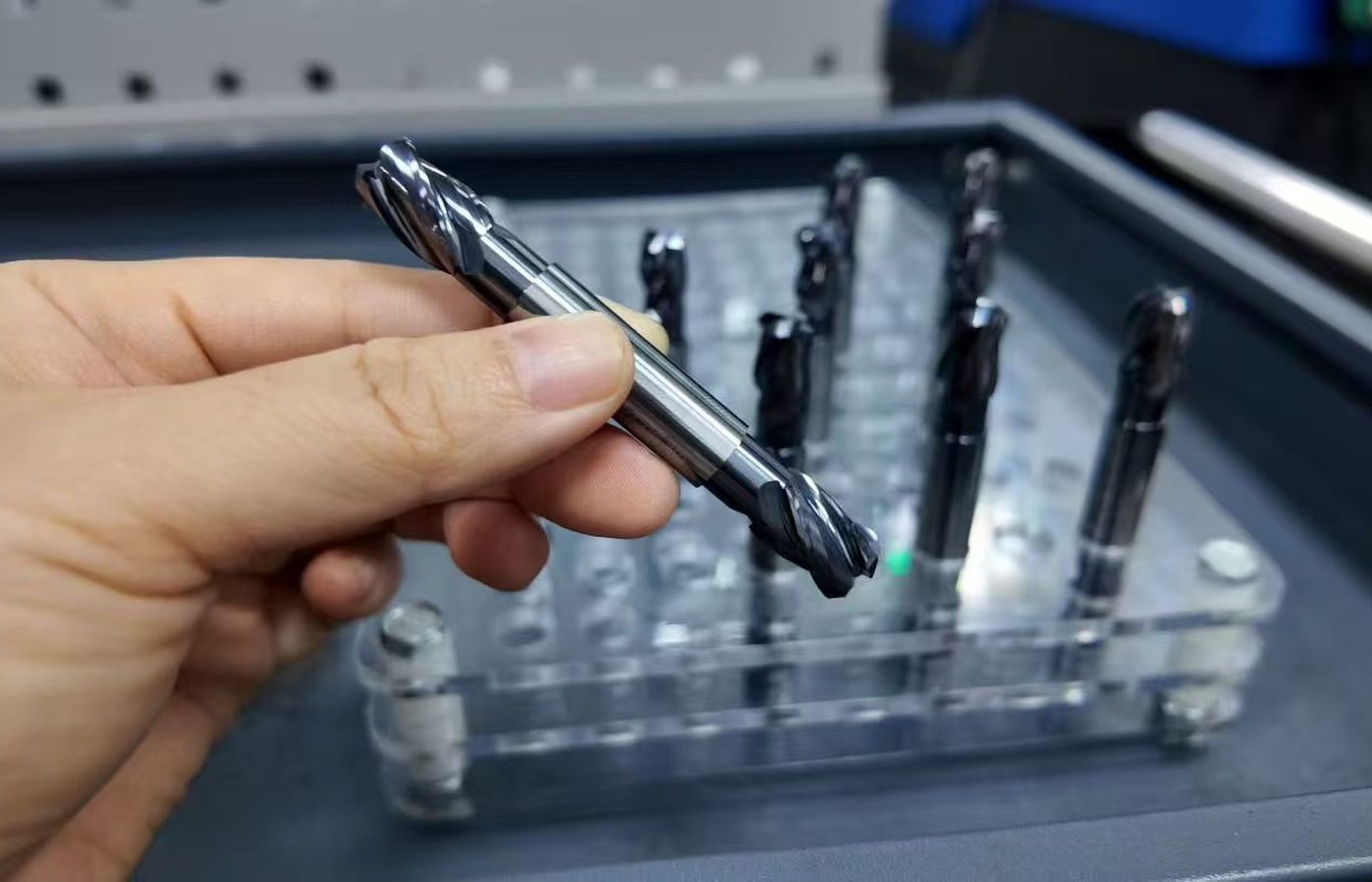
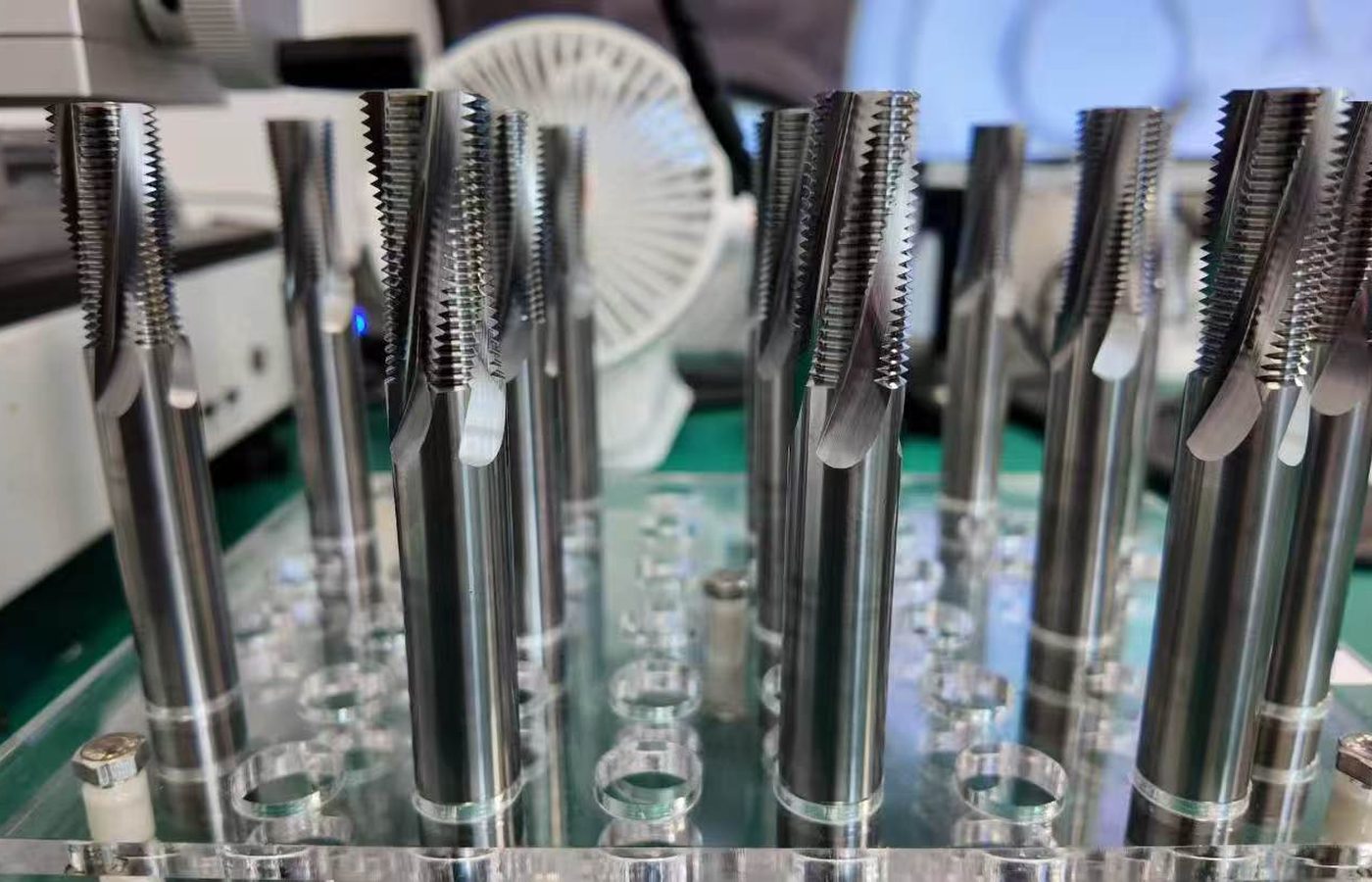
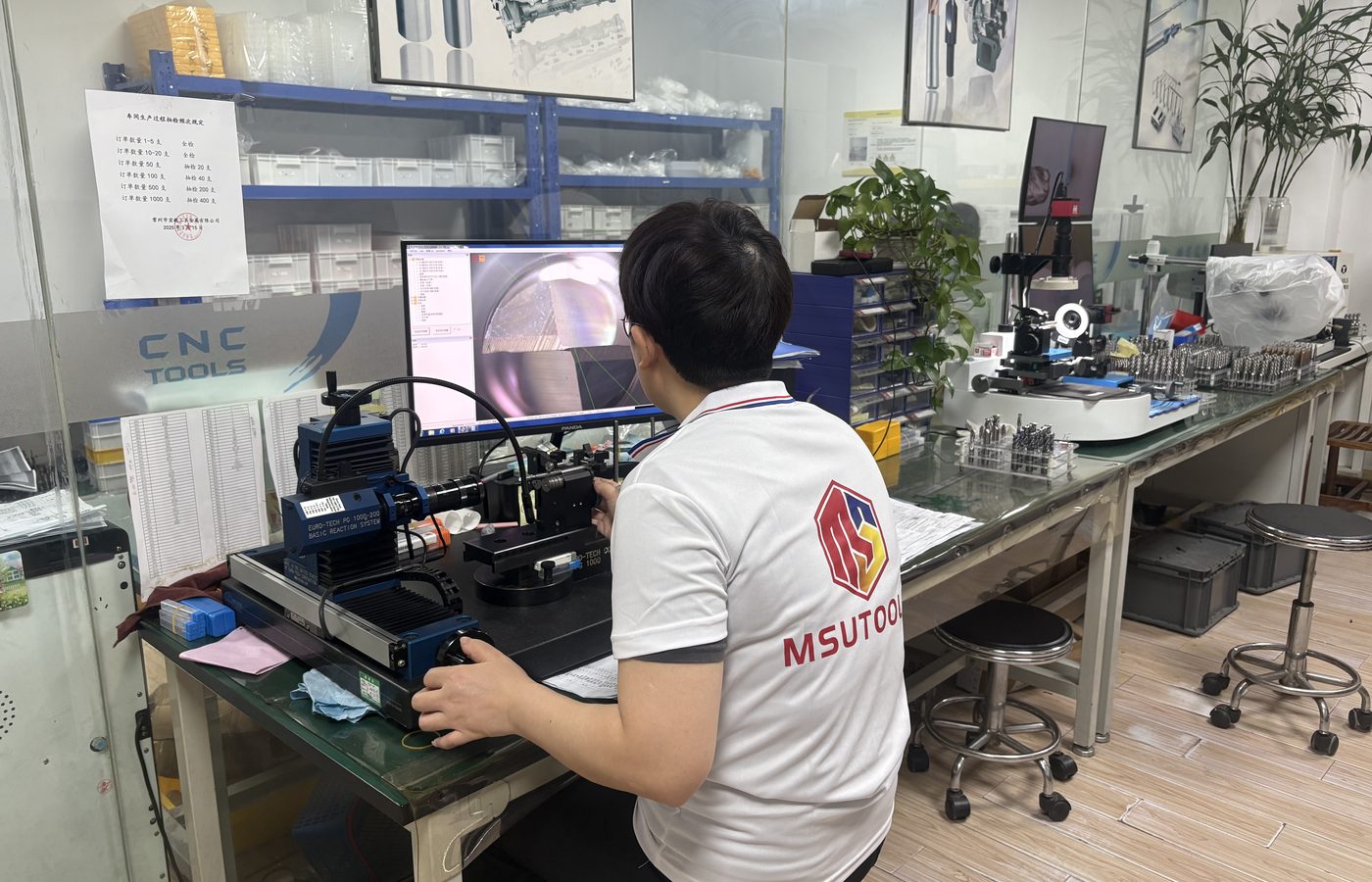
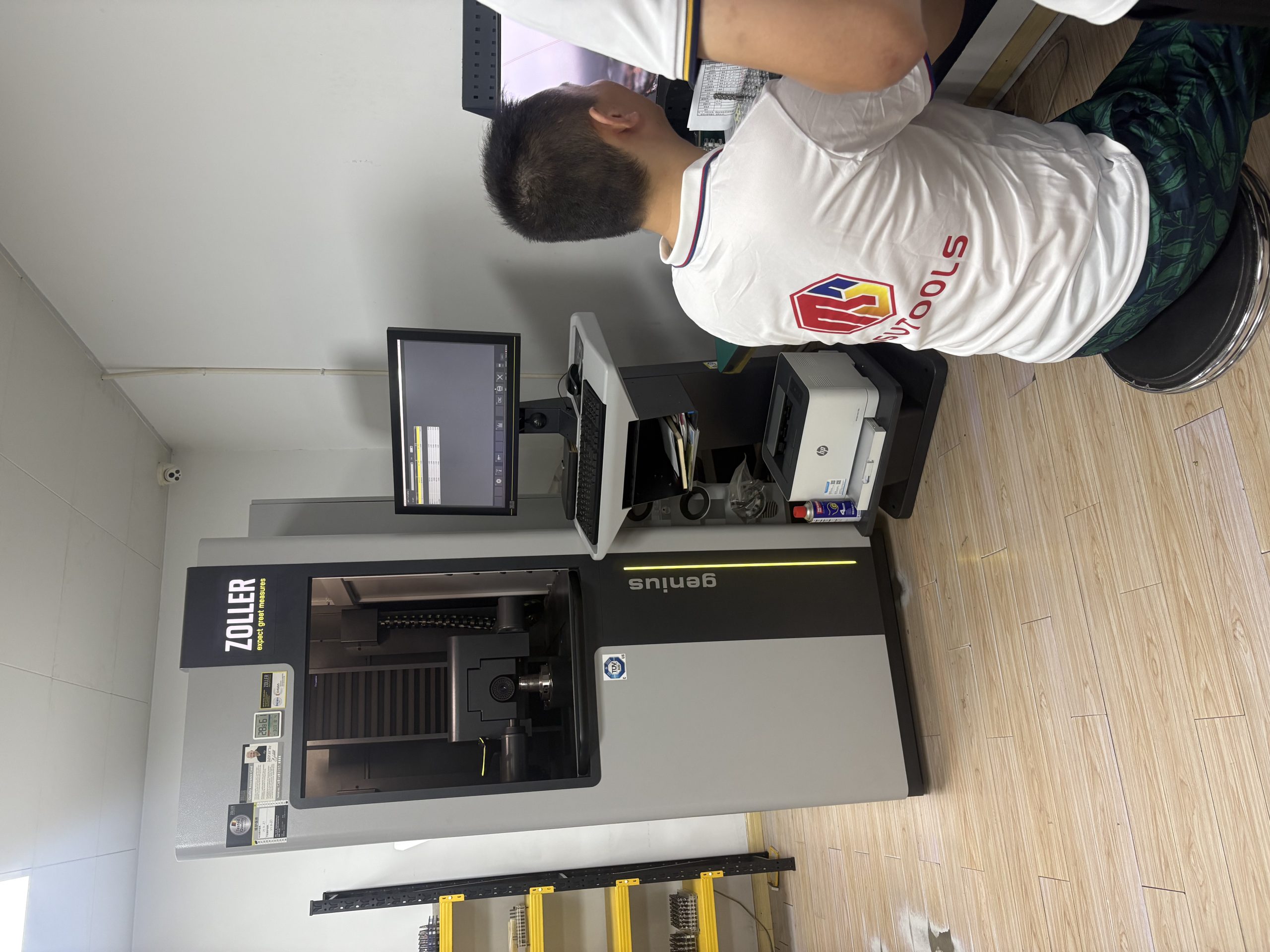
See MSU Factory and Quality Control for equipment and tool-measurement information.
Keep the full insert reference and process conditions with trial measurements. This makes a later replacement or grade change easier to compare.
State any insert measurements and inspection records required before ordering.
View Inspection InformationFor a repeat order, use the full insert reference and grade. For a new application, email the drawing and identify the machining problem or feature that needs attention.
Send the complete insert designation, geometry suffix, grade and quantity, or your previous order number.
Include the operation, material and existing tool-system reference. Email drawings to Maria using the address below.
MOQ is normally 5–10 pieces, confirmed for the selected product. Samples and sample freight are charged.
Availability, production and shipping timing are confirmed in the quotation. T/T deposit and balance terms are stated with the order.
Ordering and Delivery covers purchasing terms; Downloads provides insert drawings. For help decoding a label, see the guides in Cutting Tool Resources.
Email Maria at maria@msutools.com or call/WhatsApp +86 13973369578.
Review the purchasing terms when confirming the selected insert, quantity and delivery.
View Ordering and DeliverySend the complete insert designation, geometry suffix, grade and quantity, or the previous order number. Include the holder or tool-body reference when changing brands or when the fit is uncertain.
Email clear photos of both faces, the side and the seat, plus the package label if available. Include the tool-body code and measured dimensions so the replacement can be identified.
The edge preparation, chipbreaker and grade can differ even when the mounting dimensions match. Keep those details when comparing chip control, finish or edge life.
Choose the grade for the actual material and cutting conditions. Hardness, interruptions and the type of operation affect the selection; a material group alone is not a complete recommendation.
Identify the affected feature and the result you want to improve. Include the insert reference, material, cutting conditions and photos or measurements of the problem.
The quotation confirms the selected insert, quantity, availability and delivery timing. Include the destination and required date with the inquiry.