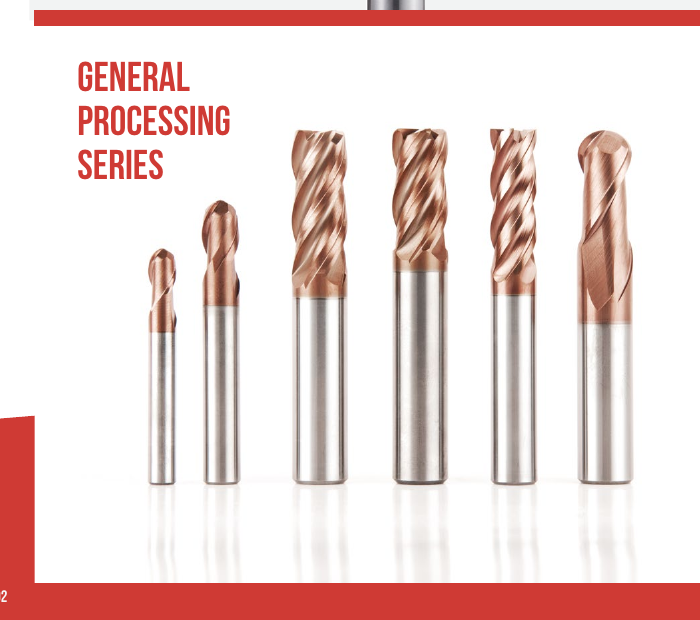
Carbide End Mills
Solid carbide tools for slots, shoulders, pockets and profiles. Compare end shape, cutting length and reach for the feature.

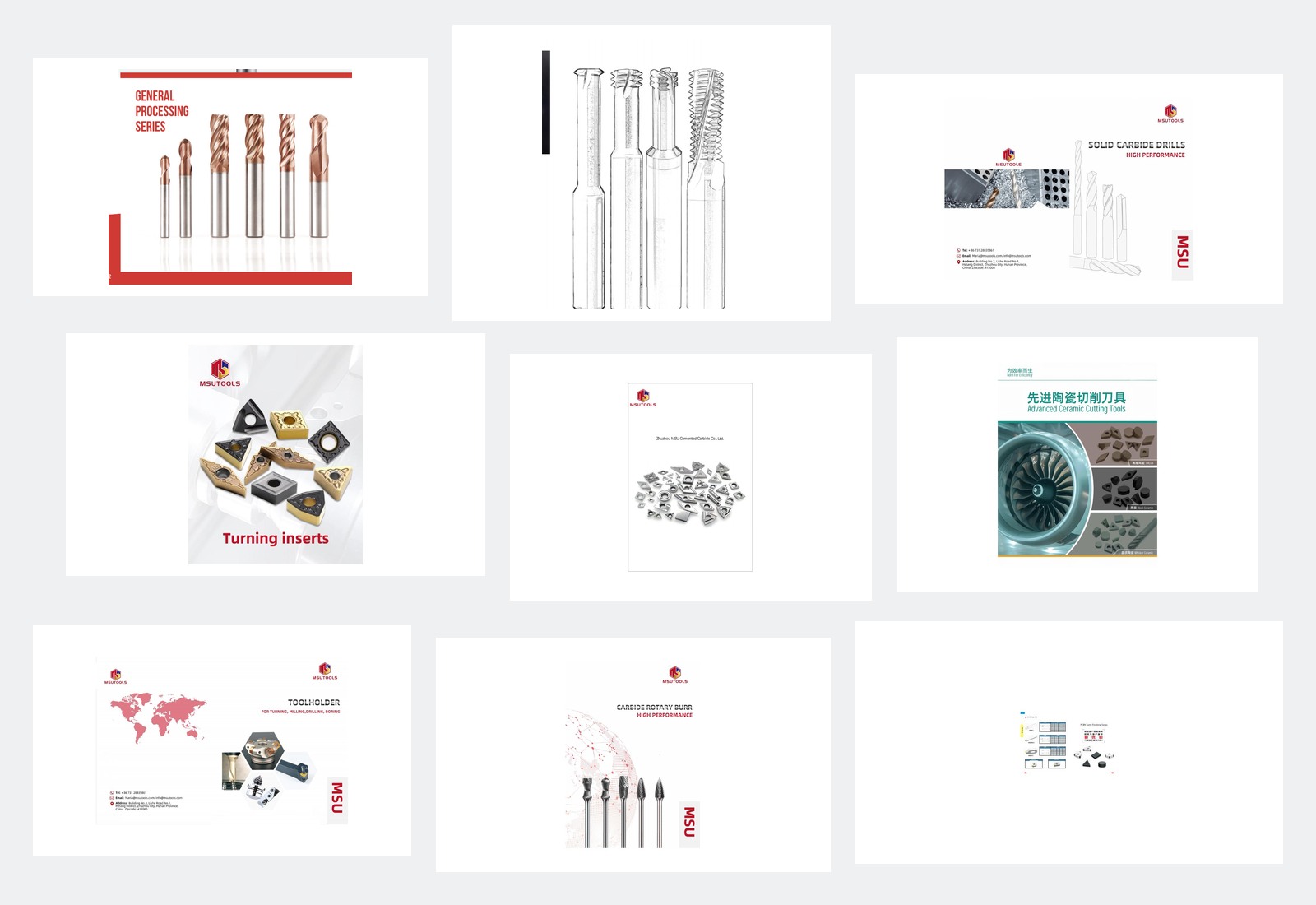
Find MSU cutting tools for milling, threading, drilling, turning and deburring, with toolholders to match the machine and cutting tool. Compare the tool type, working dimensions and connection for your job.
Have a tool code or a part to machine? Send it with the material and quantity.
Get Selection HelpCompare end mills, thread mills and holemaking tools for machined features, or rotary burrs for edges and welds.
For a replacement, match the full tool code and shank size. For a new part, start with the feature, material and working depth.
Solid carbide tools for slots, shoulders, pockets and profiles. Compare end shape, cutting length and reach for the feature.
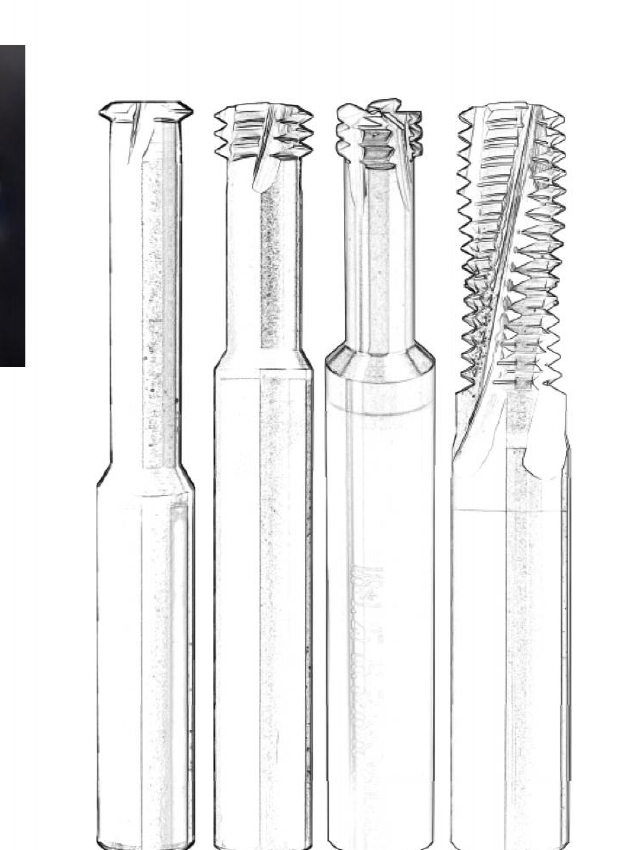
Tools for milling internal or external threads. Compare single-form, multi-form, pipe-thread and combined drill-and-thread options.
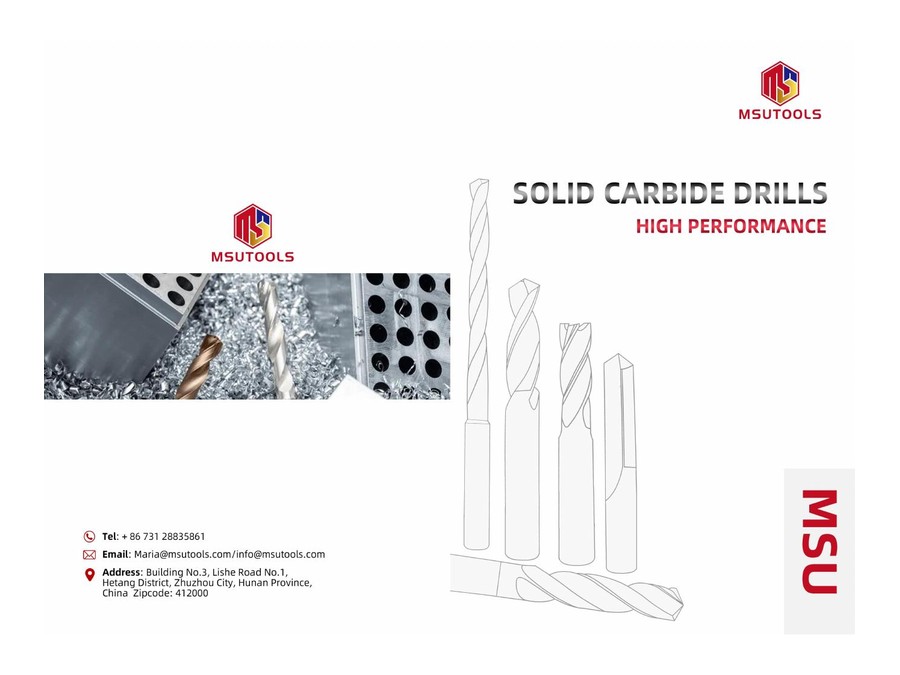
Drills and reamers for making and finishing holes. Compare micro, solid-carbide, deep-hole and replaceable-head designs.
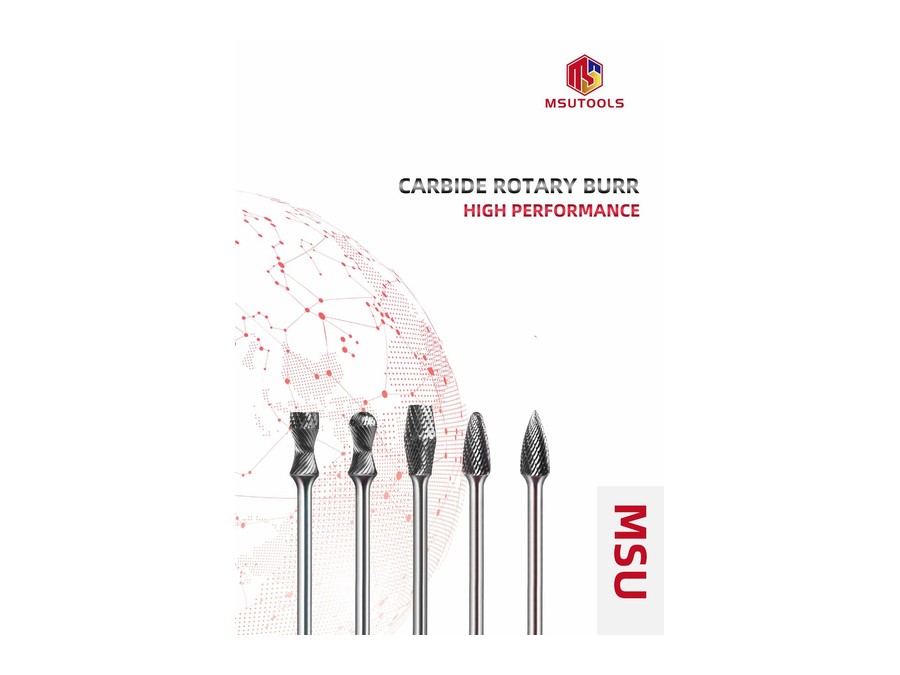
Carbide rotary files for deburring, blending and weld work. Compare head shape, tooth pattern and shank size for access and material.
For a milled feature, compare flat, rounded and other cutting-end profiles.
Compare End MillsCompare carbide, cermet, ceramic, PCD and CBN cutting tools for the workpiece. Match the selected cutting edge or shank to its holder.
A change in cutting material still needs the correct tool shape and mounting. Check both against the existing process.

Replaceable cutting edges for turning, grooving, threading, milling and shallow-hole drilling. Match insert geometry and grade to the operation and holder.
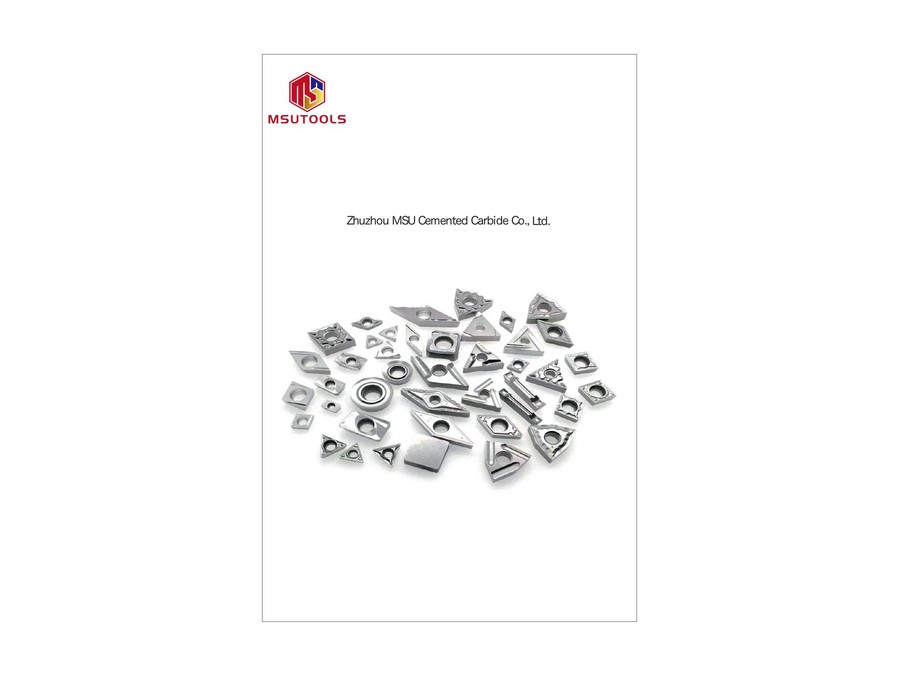
Cermet turning, milling and bearing inserts, plus saw tips. Compare tool form, grade and cutting-edge details for the workpiece.

Ceramic inserts for turning or milling, plus solid ceramic end mills. Compare grade, mounting and reach for the planned cut.
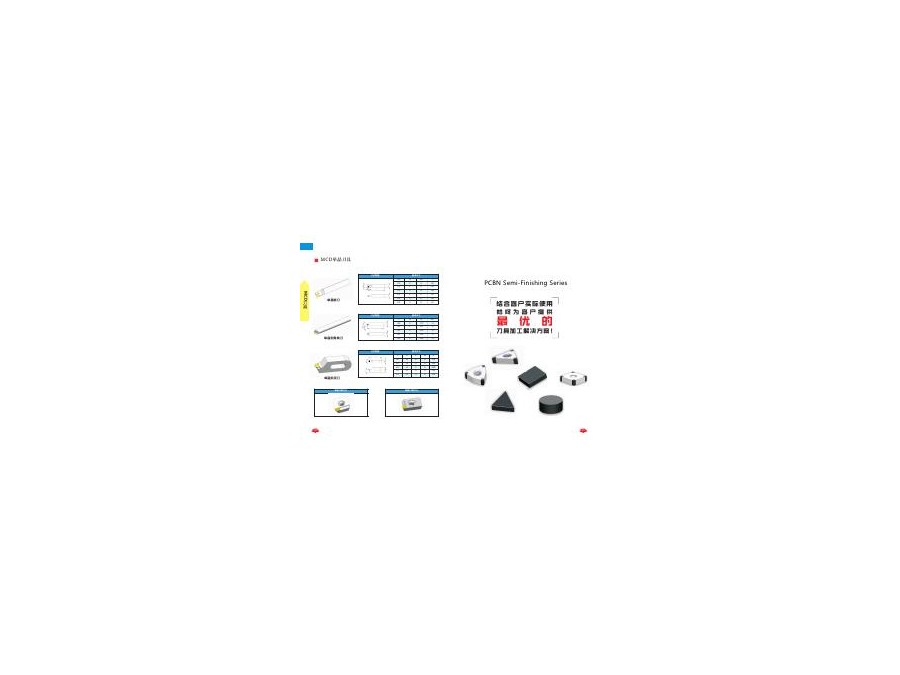
PCD tools for non-ferrous and non-metallic work; CBN/PCBN options for hardened steel and cast iron. Compare tool form, grade and edge geometry.
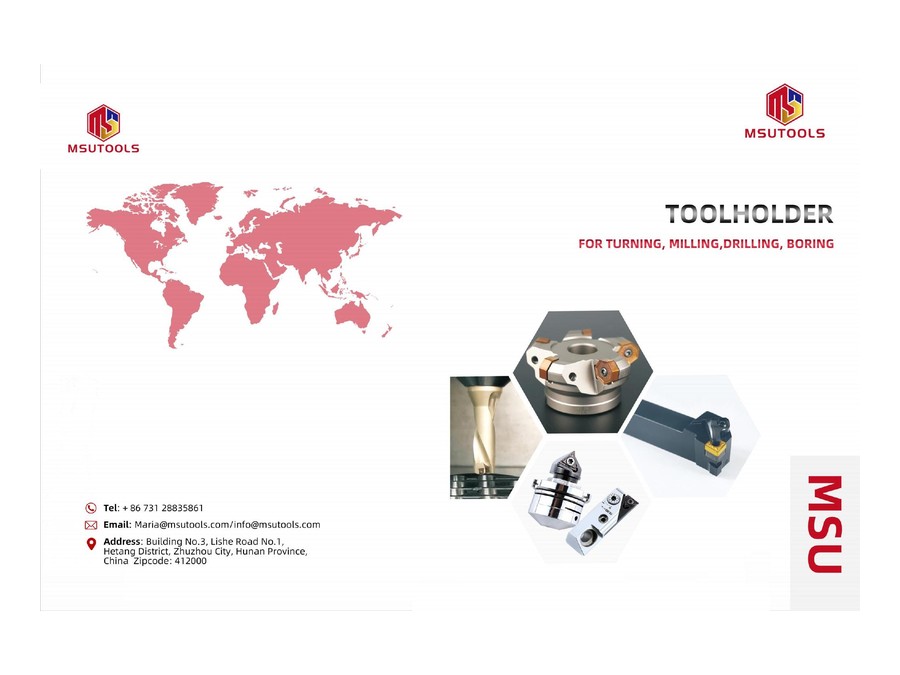
Milling, turning and boring holders, plus collet chucks. Match the machine interface, cutting-tool connection and working projection.
For a cermet tool, match the operation and mounting before comparing grades.
Compare Cermet ToolsSelect the work you need to do to see the relevant tool type.
Know the workpiece material? Milling Solutions compares tools for steel, stainless steel, titanium and aluminum, plus mold-base work.
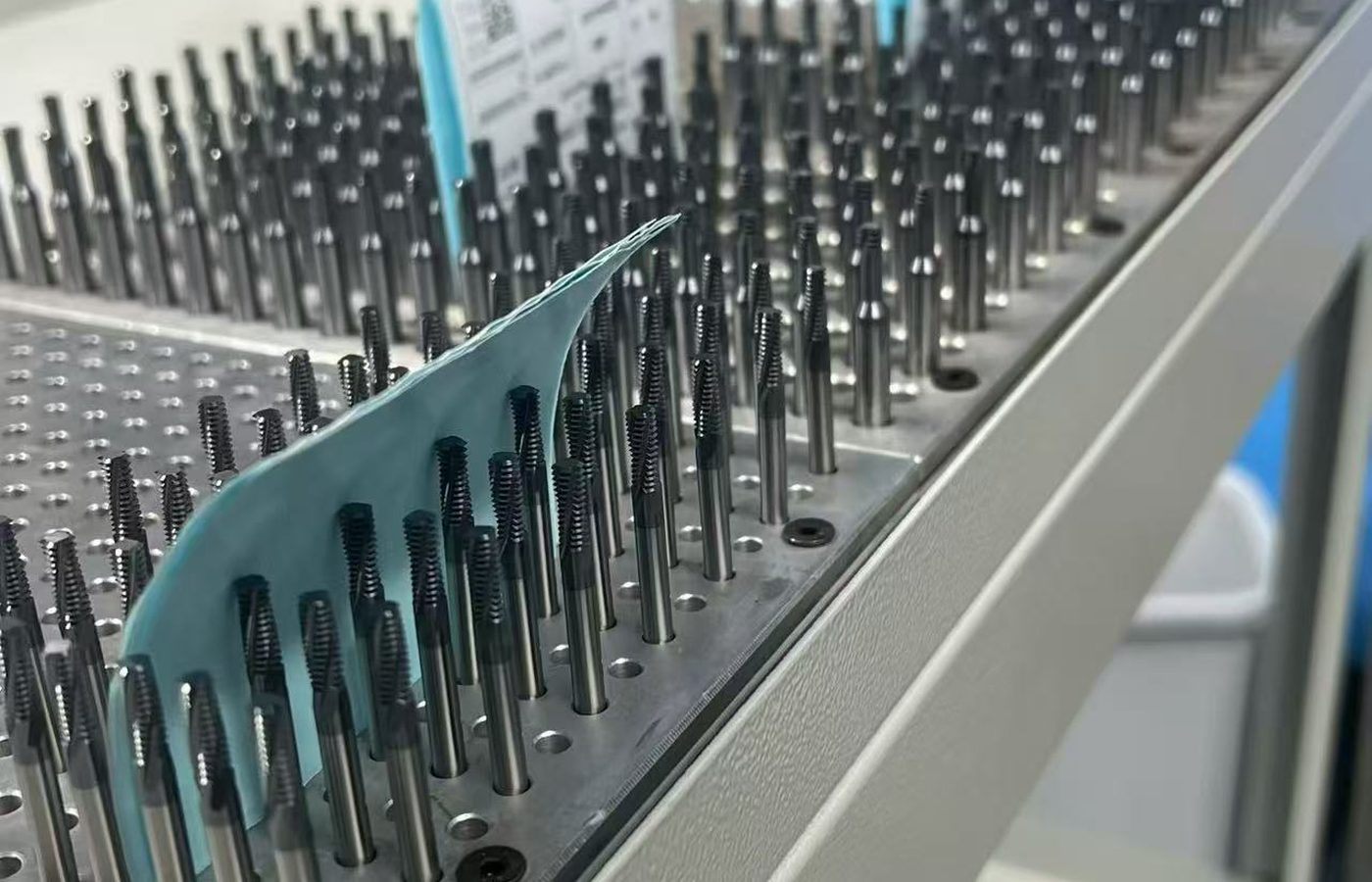
Compare cutting-end shape, cutting length and reach.
Check the full model dimensions when matching a tool to your part or holder.
Find Tool DimensionsFind model codes and dimensions in Product Catalogs. Check samples, payment and shipping information in Ordering and Delivery. For help comparing geometry and tool materials, read the guides in Cutting Tool Resources.
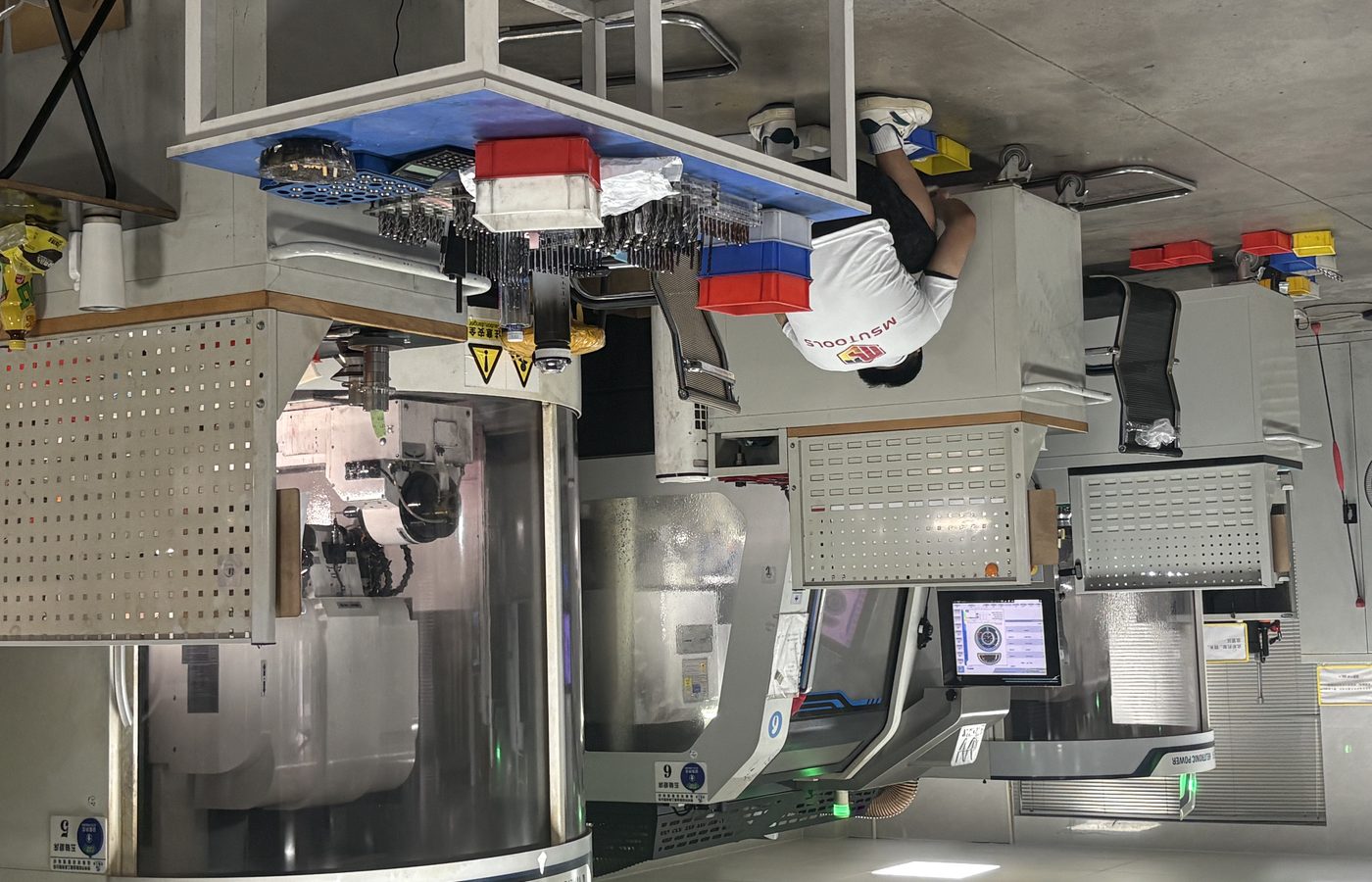
Keep the complete model code with the dimensional drawing. Similar names or diameters can describe different cutting lengths, shanks or connections.
Find a Product CatalogFor a repeat order, send the full code and grade or coating where applicable. If the part or cutting conditions have changed, include those changes.
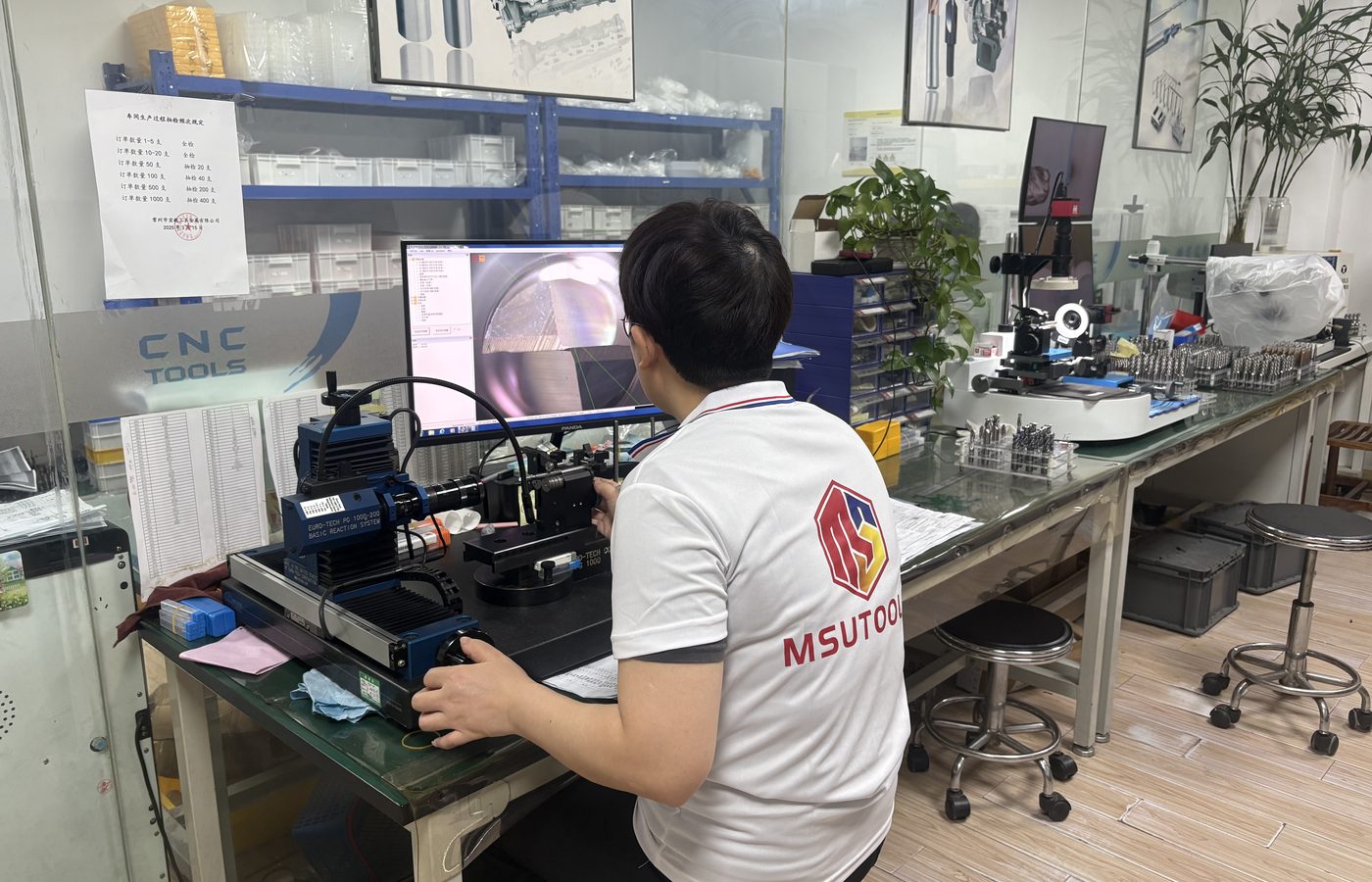
Use the product drawing to identify the exact item for your quotation.
View CatalogsYou do not need to know the product name to ask for help. Describe the feature you are machining and the result you need.
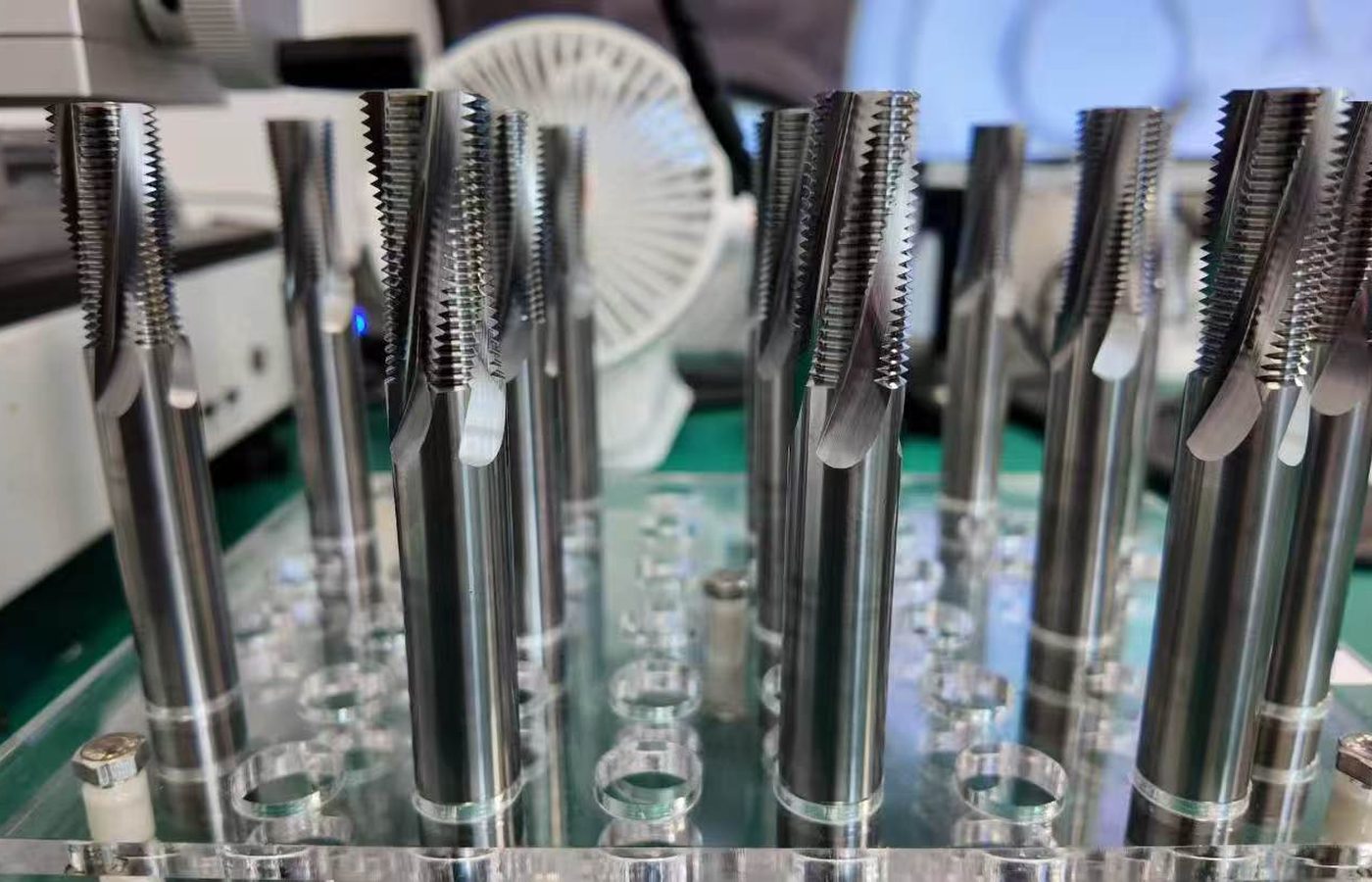
Include the workpiece material, operation, feature dimensions and quantity. Add your name, company, email and country so MSU can reply about the requirement.
If available, include the current tool code, machine, holder, projection and coolant method. For a cutting problem, describe the wear, finish or dimensional issue.
Describe the requirement in the inquiry form. Send drawings, tool markings and setup photographs to the email address on the Contact page.
Send the job details or full tool code to discuss selection and a quotation.
Contact MSUUse the full tool or insert code, including grade or coating where specified. Compare cutting dimensions, shank or mounting details and the holder reference; a matching diameter alone is not enough.
Match the cutting profile to the feature: a square end for a flat floor or shoulder, a ball nose for a curved surface, or a corner-radius tool for a defined corner detail. Then check the material, cutting length and reach.
Send the drawing and revision, material, critical dimensions and quantity. MSU can discuss the available options and confirm the proposed specification for your project.
Use MSU Product Catalogs and Downloads to find model codes and dimensional drawings. If you cannot find a model, send MSU its marking or reference.
Describe the operation, material and part feature. Email a photo of the current tool or working area if available, and include the dimensions and quantity you need.