
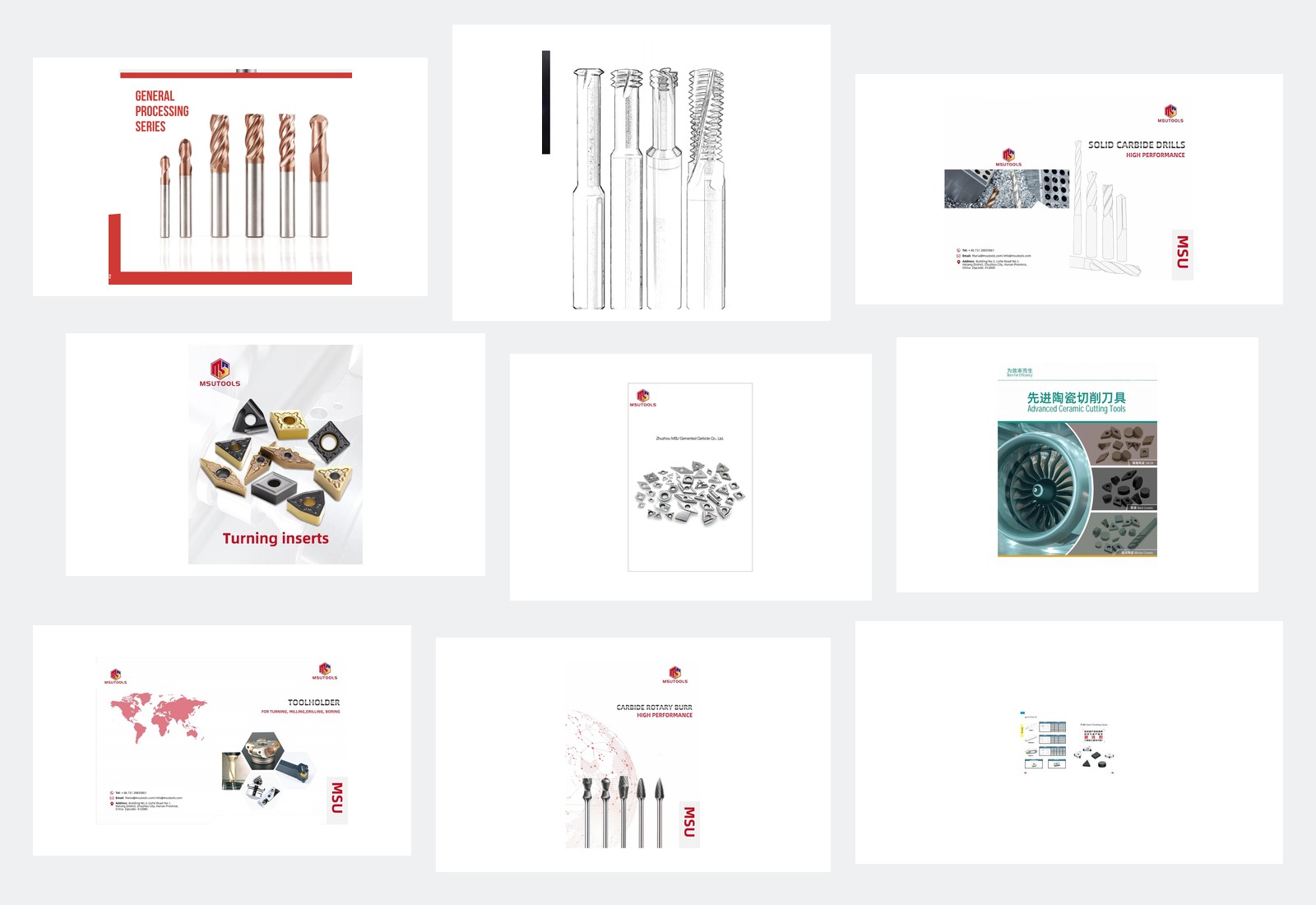
MSU Product Catalogs and Downloads
Download the catalog for your product family, then match the complete product code and dimensions. Catalogs are grouped by MSU-Manufactured and Partner-Supplied products. For help with a specification or application, send the catalog reference to MSU.
Need a different document or help identifying a catalog?
Request a Current DocumentProduct Catalogs
Browse 17 MSU catalogs by product family and supply type. Choose the file that matches the tool or insert you need to review.
MSU-Manufactured Catalogs

-
Download PDF MSU-Carbide-End-Mills-Catalog-2026.pdf
Carbide End Mills
MSU-Manufactured
-
Download PDF MSU-Carbide-End-Mills-Supplement.pdf
Carbide End Mills Supplement
MSU-Manufactured
-
Download PDF MSU-Micro-End-Mills-Catalog.pdf
Micro End Mills
MSU-Manufactured
-
Download PDF MSU-High-Feed-Roughing-End-Mills-Catalog.pdf
High-Feed and Roughing End Mills
MSU-Manufactured
-
Download PDF MSU-Thread-Mills-Catalog-2026.pdf
Thread Mills
MSU-Manufactured
-
Download PDF MSU-Carbide-Inserts-Catalog-2026.pdf
Carbide Inserts
MSU-Manufactured
-
Download PDF MSU-Carbide-Threading-Inserts-Catalog-2026.pdf
Carbide Threading Inserts
MSU-Manufactured
-
Download PDF MSU-Micro-Drills-Catalog-2026.pdf
Micro Drills
MSU-Manufactured
-
Download PDF MSU-Solid-Carbide-Drills-Catalog-2026.pdf
Solid Carbide Drills
MSU-Manufactured
-
Download PDF MSU-Solid-Carbide-Deep-Hole-Drills-Catalog-2026.pdf
Solid Carbide Deep Hole Drills
MSU-Manufactured
-
Download PDF MSU-Replaceable-Head-Drills-Catalog.pdf
Replaceable Head Drills
MSU-Manufactured
-
Download PDF MSU-Solid-Carbide-Reamers-Catalog.pdf
Solid Carbide Reamers
MSU-Manufactured
Partner-Supplied Catalogs

MSU sources the Partner-Supplied products from manufacturing partners. Use these catalogs to request specifications, availability and a quotation through MSU.
-
Download PDF Partner-Supplied-Cermet-Inserts-Catalog-2026.pdf
Cermet Inserts
Partner-Supplied
-
Download PDF Partner-Supplied-Ceramic-Cutting-Tools-Catalog.pdf
Ceramic Cutting Tools
Partner-Supplied
-
Download PDF Partner-Supplied-Toolholders-and-Spare-Parts-Catalog-2026.pdf
Toolholders and Spare Parts
Partner-Supplied
-
Download PDF Partner-Supplied-Carbide-Rotary-Burrs-Catalog-2026.pdf
Carbide Rotary Burrs
Partner-Supplied
-
Download PDF Partner-Supplied-PCD-CBN-Tools-Catalog.pdf
PCD & CBN Tools
Partner-Supplied
Need to check another product family before downloading?
Explore All ProductsTechnical Documents
The files available here are product catalogs. For a drawing, technical data sheet or inspection document, contact MSU with the product family, complete code and the document you need.
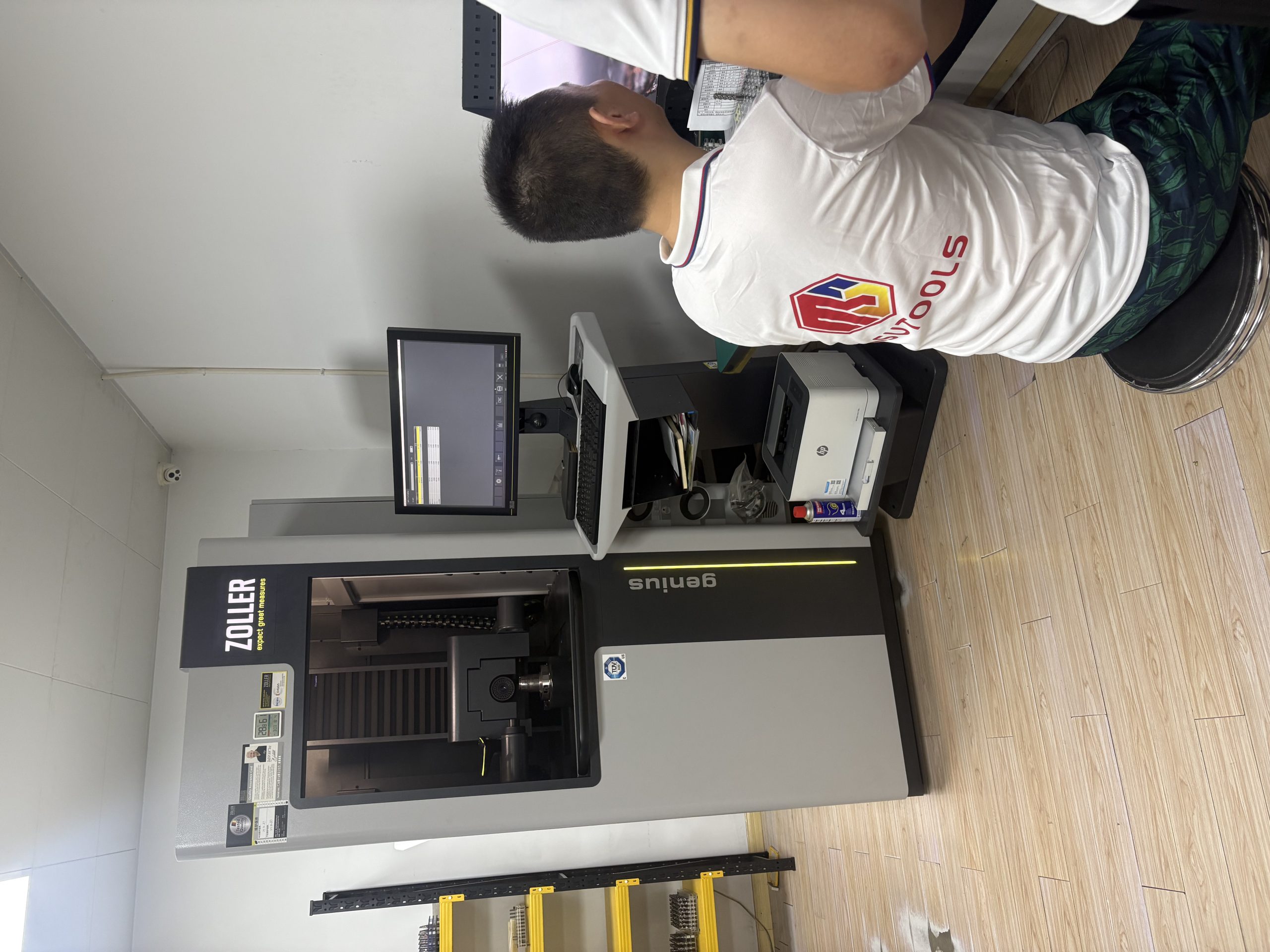
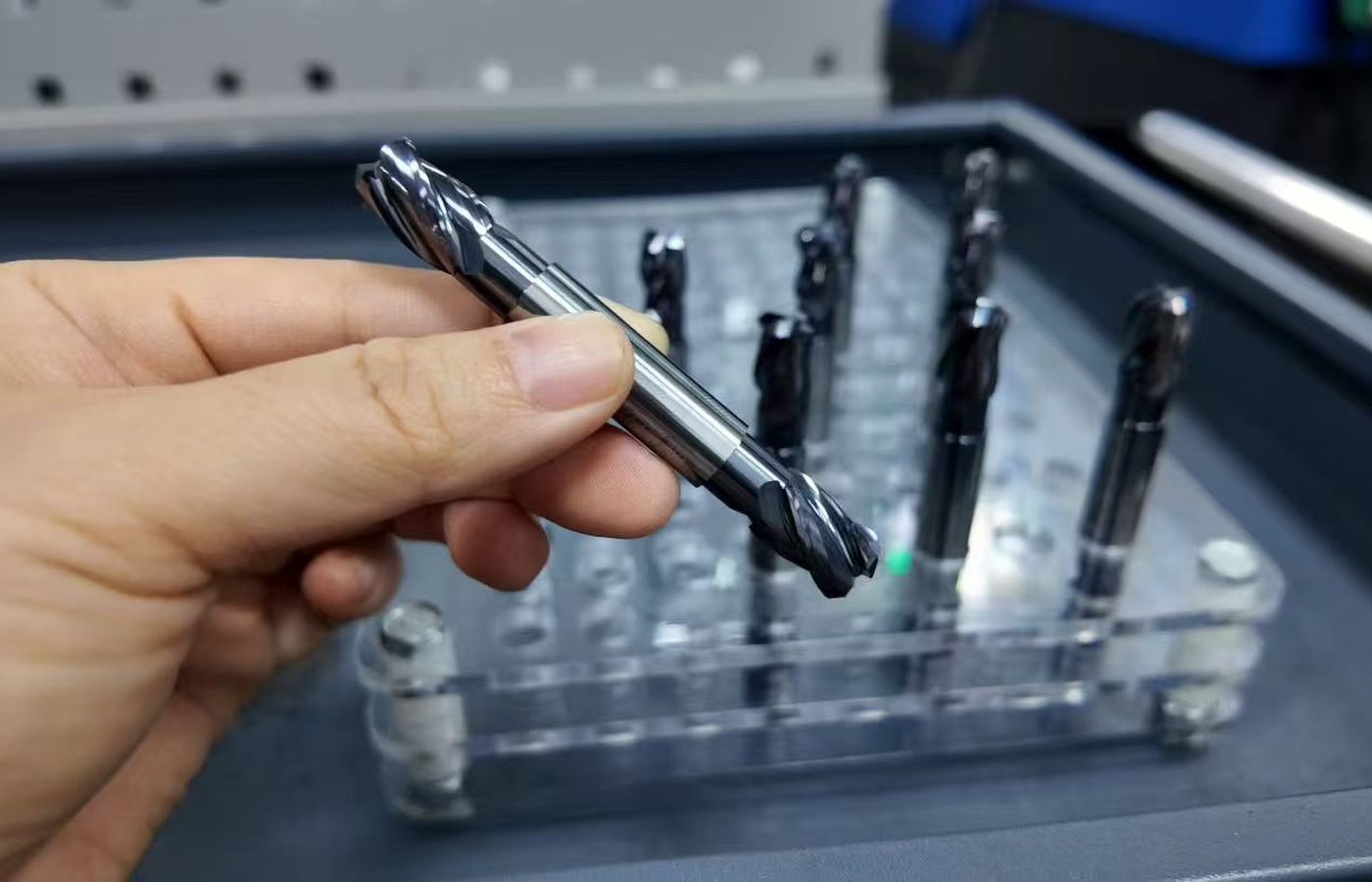
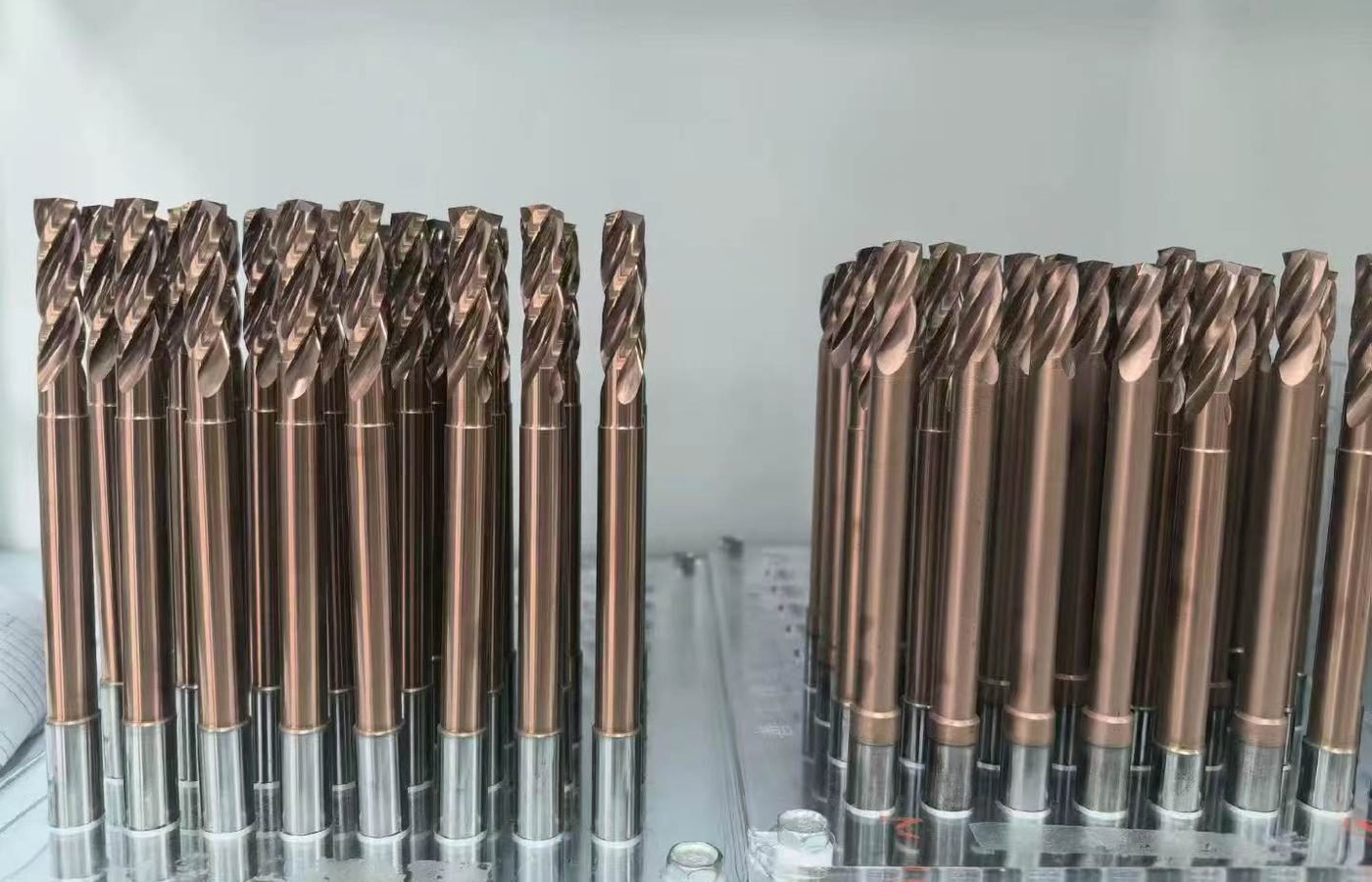
Specifications and availability
Use the catalog to identify a model and its specifications. Ask MSU to confirm current stock, holder or system fit, suitability for your cutting conditions and the order schedule.
The MSU-manufactured product families covered by these catalogs are:
Review the product range before requesting a technical file.
Review Product DocumentsHow to Use These Documents
Choose the product family and supply type, then match the complete code and dimensions. Include the catalog filename, page reference and document version, when shown, in your inquiry. If you need selection guidance before choosing a catalog model, browse Cutting Tool Resources.

Send the exact reference
Include the complete product code or a drawing when you ask about a specification or application.
Confirm availability
Send the complete model and cutting conditions so MSU can check availability and suitability.
Review purchase terms
For lead time, shipping and commercial questions, review Ordering and Delivery.
Ready to review purchasing conditions?
Review Ordering InformationRequest a Current Document
If you cannot find the right catalog or need another document, tell MSU which product you are reviewing and what you need to confirm.

Identify the product
Include your company, business email, country or region, product family and complete model or code if known. A catalog filename, page reference, drawing or product photograph can help us identify the request.
Explain the document need
Tell us the document type and the question it needs to answer. Remove confidential details from any file that are not needed for the review.
Send the product and document details to MSU.
Contact MSUMSU Product Catalogs and Downloads Questions
How many catalog files can I download?
Seventeen catalog files are listed: twelve for MSU-manufactured product lines and five for Partner-Supplied product lines.
Are Partner-Supplied catalogs identified?
Yes. Each Partner-Supplied file is listed under a separate heading and carries a Partner-Supplied label.
Can I use a catalog to confirm stock or performance?
Use the catalog to identify the product and specifications. MSU confirms stock, application suitability and any requested machining result for the exact product and cutting conditions.
Can I request a technical data sheet or drawing?
Yes. Contact MSU with the product family, complete code and document type so the available current file can be checked.
How do I know which catalog applies to my tool?
Match the product family and supply type first, then check the complete product code and dimensions in the catalog and product page.
What if a catalog does not show the model I need?
Send MSU the known product code or a drawing and describe the requirement. We can check the appropriate model or partner-sourcing option.
What should I send when a catalog entry is unclear?
Send the catalog filename, page or screenshot, product code or photograph, and the question you need reviewed.